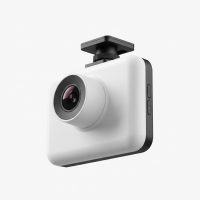
In a world where the unexpected can happen in a flash, having a reliable eyewitness on your dashboard isn’t just a luxury—it’s a necessity. That’s where a quality Vantrue dash cam comes in, serving as your silent co-pilot, meticulously recording every detail of your journey. As a 15-year veteran in the automotive tech space, I’ve seen countless brands come and go, but Vantrue has consistently stood out for its commitment to quality, innovation, and user-focused design. This guide is your roadmap to understanding why Vantrue is a top choice for drivers worldwide.
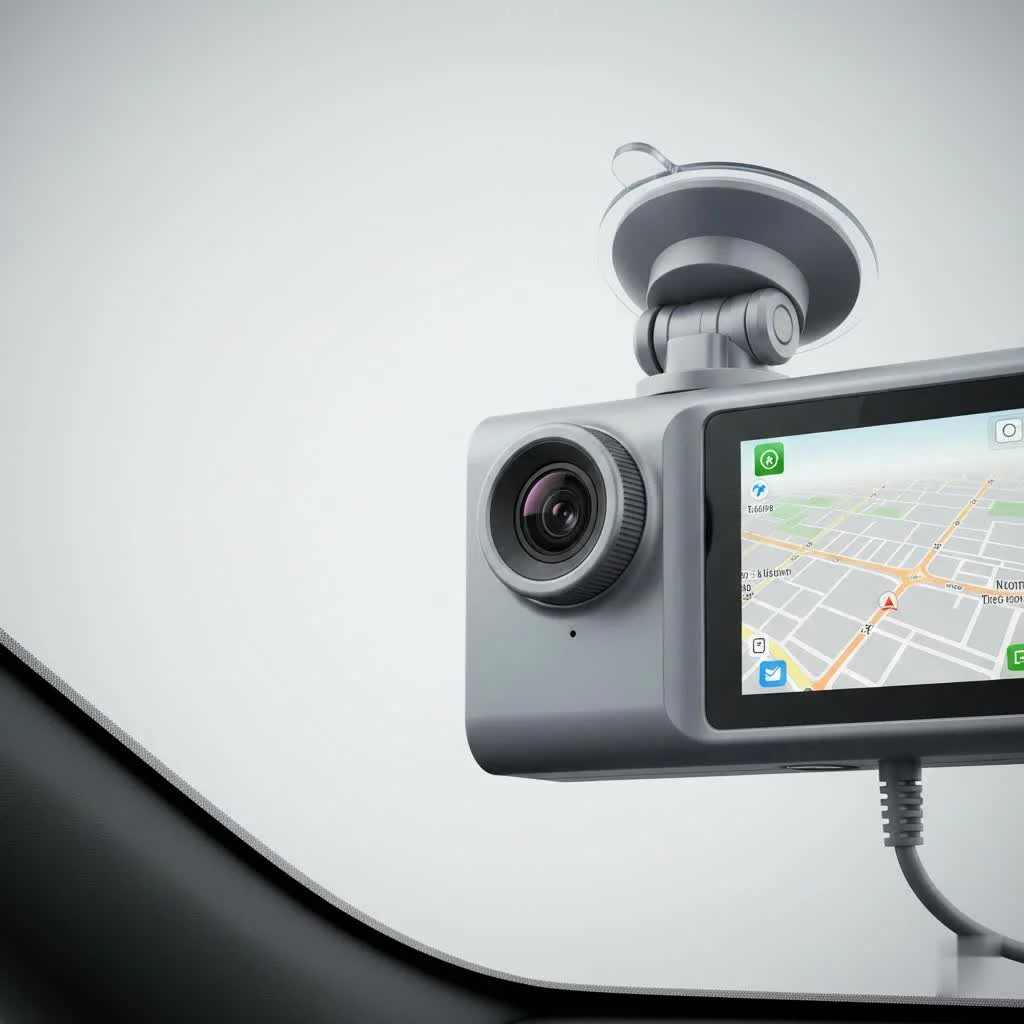
What Sets Vantrue Dash Cams Apart?
Not all dash cams are created equal. Vantrue distinguishes itself from the competition by focusing on core features that truly matter to drivers: exceptional video clarity, robust safety functions, and comprehensive vehicle coverage. They’ve built a reputation for reliability, which is paramount for a device you depend on for security and evidence.
Superior Video Quality Day and Night
The primary job of a dash cam is to capture clear, usable footage. Vantrue excels here by using high-end components like Sony STARVIS sensors, which are renowned for their exceptional low-light performance. This means you get crisp, detailed video not just on a sunny afternoon, but also on rainy nights or in poorly lit parking garages. Many of their models, like the acclaimed N4 Pro, offer 4K resolution for the front camera, ensuring that critical details like license plates and street signs are captured with stunning clarity.
Advanced Safety and Security Features
A Vantrue dash cam is more than just a camera; it’s a comprehensive security system for your vehicle. Key features include:
- 24/7 Parking Mode: Using motion and collision detection, the camera wakes up and records any bumps or activity around your car, even when the engine is off. This requires a hardwire kit but provides invaluable peace of mind.
- G-Sensor: This built-in sensor detects sudden impacts, like in a collision. It automatically locks the current video file, preventing it from being overwritten by the loop recording feature, thus preserving crucial evidence.
- GPS Logging: An integrated or optional GPS module precisely records your driving route, location, and speed. This data is synchronized with your video footage, providing a complete and verifiable record of events.
Multi-Channel Recording for Complete Coverage
Vantrue is a leader in multi-channel systems, offering solutions that go beyond the simple forward-facing view. Models like the N4 Pro provide three-channel (front, rear, and cabin) recording, while the flagship N5S offers an incredible four-channel setup for a near-360-degree view. This is particularly vital for rideshare drivers who need to monitor passenger activity or for anyone wanting complete surveillance of their vehicle’s surroundings.
How to Choose the Right Vantrue Dash Cam for You
With a diverse lineup, selecting the perfect Vantrue dash cam comes down to your specific needs and budget. Let’s break down some of their most popular models to help you decide.
“When choosing a dash cam, drivers should first assess their primary use case. A daily commuter might prioritize a simple, high-quality front camera, whereas a rideshare driver gains immense value from a multi-channel system that includes cabin recording.” – Johnathan Miles, Welmb.com Lead Tech Expert
A Closer Look at Top Vantrue Models
|
Our Picks for the Best Dash Cam in 2026
As an Amazon Associate I earn from qualifying purchases.
|
||
| Num | Product | Action |
|---|---|---|
| 1 | 4K Dash Cam Front, Built-in 5G WiFi, 64GB Card Included, Dash Camera for Cars, Mini Dashcam with Super Night Vision, Loop Recording, G-Sensor, 24 Hours Parking Monitor, Support 256GB Max |

|
| 2 | Dash Cam Front and Rear, 2.5K+1080P Dual Dash Camera for Cars, 2’’ Display Mini Car Camera, G-Sensor Dashcam, Night Vision, 24H Parking Mode, Loop Recording, 170°Wide Angle, 32GB Card Included |
|
| 3 | Navycrest 4K Dash Cam Front and Rear with 64GB Card, Built-in 5G WiFi, Dash Camera for Cars 4K Front and 1080P Rear, Dashcams for Cars Loop Recording, Gravity Sensor, 24-Hours Parking Mode |
|
| 4 | VIOFO A229 Plus Dash Cam Front and Rear, Dual STARVIS 2 Sensors, 2 Channel HDR, 1440P+1440P Voice Control Car Dash Camera, 5GHz Wi-Fi, Voice Control, Ultra-Precise GPS (SD Card Not Included) |
|
| 5 | Dash Cam 1296P Front Dashcam, V300 WiFi Dash Camera for Cars with App, Night Vision, Mini Hidden Single Car Camera, Loop Recording, 24H Parking Mode, Support 256GB Max, Black |
|
| 6 | IIWEY N5 4 Channel Dash Cam 360° View, 1080P Front and Rear Inside, Left Right Dash Camera for Cars, 8 IR Lamps Night Vision, 5G WiFi & APP Control, G-Sensor, Parking Mode, with a Free 128GB SD Card |
|
| 7 | REDTIGER 4K Dash Cam Front Rear, STARVIS 2 Sensor, Free Card Included, 5.8GHz WiFi-20MB/s Fast Download, Dash Camera for Cars with GPS, WDR Night Vision, 170°Wide Angle, 24H Parking Mode(F7NP) |
|
| 8 | ROVE R2-4K DUAL Dash Cam Front and Rear, STARVIS 2 Sensor, FREE 128GB Card Included, 5G WiFi - up to 20MB/s Fastest Download Speed with App, 4K 2160P/FHD Dash Camera for Cars, 3\" IPS, 24H Parking Mode |
|
| 9 | REDTIGER 4K STARVIS 2 Dash Cam Front and Rear, 5GHz WiFi 20MB/s Download, 128GB Card Included, Voice Control, Dash Camera for Cars with 3.18\" Touch Screen, GPS, Loop Recording, Parking Mode(F7N Touch) |
|
| 10 | Dash Cam Front and Rear, 1080P Dash Camera for Cars, 3 Channel Car Camera Front Rear and Inside with 32GB Card, Loop Recording, Night Vision, HDR, 24Hr Parking, G-Sensor |
|
| Model | Channels | Max Front Resolution | Key Feature | Ideal For |
|---|---|---|---|---|
| Vantrue N4 Pro | 3 (Front+Cabin+Rear) | 4K (2160p) | Balanced, high-performance 3-channel system with excellent night vision. | Everyday drivers, families, and professionals seeking all-around protection. |
| Vantrue N5S | 4 (Front+Rear+Cabin L+R) | 2.7K (1600p) | Ultimate 4-channel coverage for a near-360° view with STARVIS 2 sensors. | Rideshare drivers, fleet vehicles, and tech enthusiasts who want maximum surveillance. |
| Vantrue E1 Pro | 1 (Front) | 2.7K (1600p) | Compact design with 5GHz Wi-Fi, voice control, and a wireless remote. | Commuters, minimalists, or those looking for an easy-to-use, high-quality front camera. |
Installation and Setup: A Step-by-Step Guide
While some Vantrue models can be powered simply by plugging into your car’s 12V outlet, hardwiring is recommended to unlock the full potential of features like parking mode.
- Choose the Location: Mount the main front camera behind your rearview mirror. This placement is discreet and doesn’t obstruct your view. Ensure the lens has a clear view of the road ahead, avoiding the tinted “frit” band at the top of the windshield.
- Route the Power Cable: Carefully tuck the power cable into the headliner, running it down the A-pillar (the pillar between the windshield and the front door). Continue routing it under the glove box to the fuse box or 12V power outlet.
- Connect to Power: For a simple setup, plug into the 12V outlet. For parking mode, use the appropriate hardwire kit to connect to your vehicle’s fuse box (this may require professional installation if you’re not comfortable with car electronics).
- Install Rear/Cabin Cameras: For multi-channel systems, run the connecting cables for the rear and interior cameras, tucking them neatly into the trim panels. The rear camera typically mounts at the top center of the rear window.
- Format and Configure: Insert a recommended high-endurance microSD card (Vantrue often suggests their own brand for compatibility). Power on the dash cam, format the card within the camera’s menu, and configure settings like video resolution, loop recording time, and G-sensor sensitivity via the device screen or the Vantrue mobile app.
Frequently Asked Questions about Vantrue Dash Cams
How does the buffered parking mode work?
Buffered parking mode is an advanced feature that allows the dash cam to record 10 seconds before an event is detected, in addition to the footage during and after. This provides crucial context, showing what led up to a parking lot incident rather than just the impact itself.
What kind of microSD card is best for a Vantrue dash cam?
It is critical to use a high-endurance U3 microSD card designed specifically for the constant rewriting that dash cams perform. Standard SD cards can fail quickly. Vantrue recommends cards up to 512GB for most of their modern cameras, providing ample storage space.
Can I view footage on my smartphone?
Yes, most modern Vantrue dash cam models are equipped with 5GHz Wi-Fi. This allows you to connect your smartphone directly to the camera via the Vantrue app to view, download, and share your recorded footage without needing to remove the microSD card.
Is the voice control feature reliable?
The voice control feature on models like the E1 Pro is quite reliable for hands-free operation. It allows you to perform key actions like taking a snapshot, locking a video, or turning audio recording on/off simply by speaking a command, enhancing safety while driving.
Do I need a professional to install a Vantrue dash cam?
For a basic setup using the 12V cigarette lighter adapter, installation is a simple DIY task that takes only a few minutes. However, if you want to use the 24/7 parking mode, which requires connecting the camera to your car’s fuse box, professional installation is recommended unless you have experience with automotive electrical systems.
Your Trusted Eyewitness on the Road
Investing in a Vantrue dash cam is one of the smartest decisions you can make for your safety and peace of mind on the road. With their superior video quality, advanced security features, and robust build, Vantrue provides a reliable solution for every type of driver. From capturing unexpected moments to providing irrefutable evidence when you need it most, a Vantrue camera is a powerful tool that keeps watch so you can focus on the journey ahead. Take the step towards smarter, safer driving and explore the Vantrue lineup today.
Get our weekly buyer guide
Practical specs, not advice. Unsubscribe anytime.