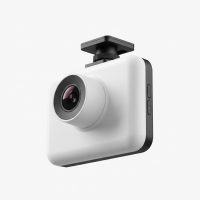
In over fifteen years of working with vehicle technology, I’ve seen countless gadgets come and go. But the one device that has proven its worth time and time again is a reliable dash cam. When it comes to protecting yourself on the road, a Nextbase dash cam isn’t just an accessory; it’s an essential co-pilot. As the main content creator for Welmb.com, I’ve tested dozens of models, and Nextbase consistently stands out for its innovation, reliability, and user-friendly design. This guide will walk you through everything you need to know to choose the perfect model for your car.
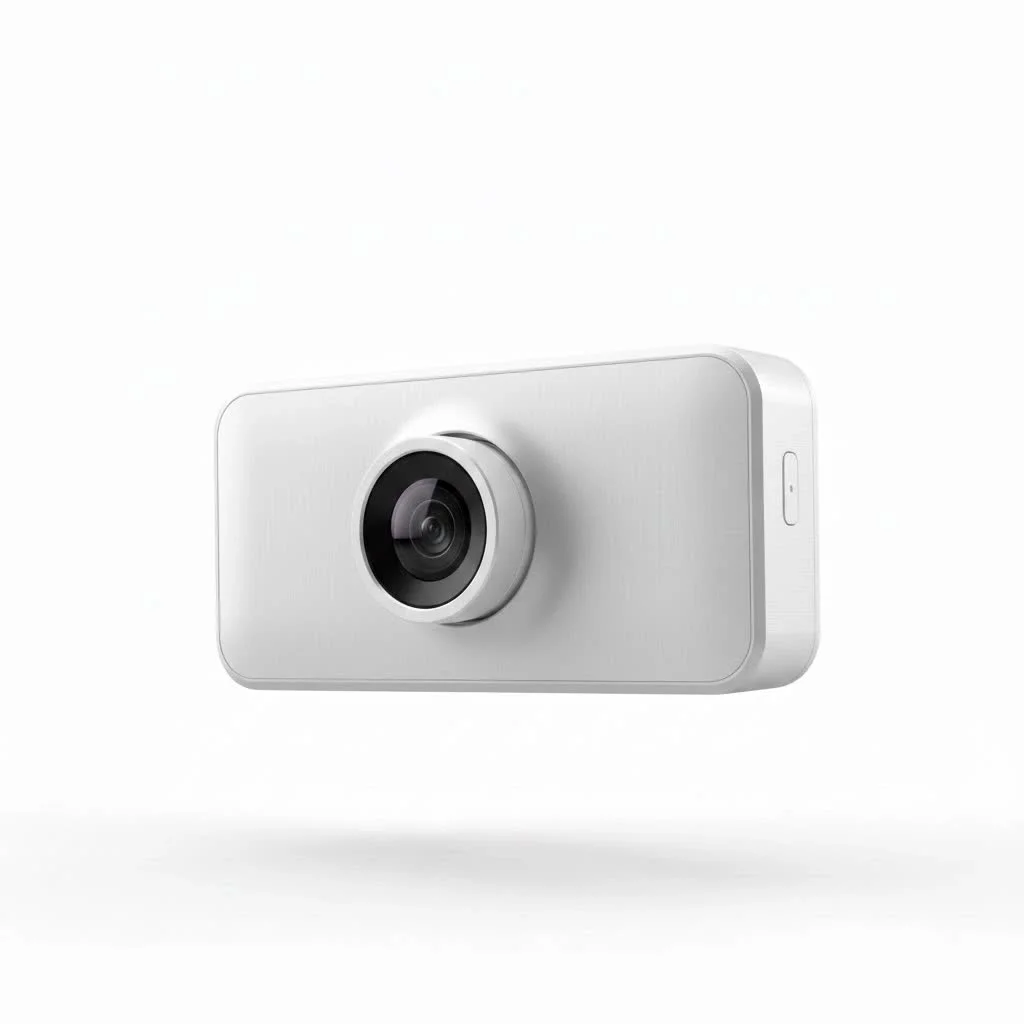
Why Choose a Nextbase Dash Cam?
In a crowded market, Nextbase has carved out a reputation for premium quality and groundbreaking features. They are not just cameras; they are sophisticated safety systems designed for the modern driver.
The key difference lies in their focus on emergency response and connectivity. Features like Emergency SOS, which can automatically alert emergency services with your location after a serious accident, offer a level of security that goes beyond simple video recording. Add to that class-leading video quality, seamless app integration, and voice control, and you have a device that genuinely enhances your driving experience.
As my colleague, automotive tech analyst David Chen, often says, “Nextbase didn’t just build a better camera; they built a smarter safety device for your car. Their focus on incident response and user-centric features sets a new industry standard.”
Understanding the Nextbase Series: From 122 to 622GW
Choosing the right model can seem daunting, but Nextbase structures its range logically, with features scaling up with the model number.
Entry-Level Models (122, 222)
Perfect for new dash cam users or those on a budget, the 122 and 222 models offer core functionality with excellent reliability. You get crisp 1080p HD recording and a compact design. The 222 adds a 2.5-inch HD IPS screen, making it easier to view settings and playback footage directly on the device.
Mid-Range Powerhouses (322GW, 422GW)
This is the sweet spot for most drivers, offering a significant jump in features for a modest price increase. The 322GW is a multiple award-winner, introducing Wi-Fi, Bluetooth, and GPS. Crucially, it’s the entry point for the Emergency SOS feature.
The 422GW builds on this with 1440p Quad HD recording and built-in Amazon Alexa. This allows you to use voice commands to save clips, start recording, or even get directions, all while keeping your hands safely on the wheel.
The Flagship Experience (522GW, 622GW)
|
Our Picks for the Best Dash Cam in 2026
As an Amazon Associate I earn from qualifying purchases.
|
||
| Num | Product | Action |
|---|---|---|
| 1 | Dash Cam Front and Rear, 1080P Dash Camera for Cars, 3 Channel Car Camera Front Rear and Inside with 32GB Card, Loop Recording, Night Vision, HDR, 24Hr Parking, G-Sensor |

|
| 2 | Navycrest 4K Dash Cam Front and Rear with 64GB Card, Built-in 5G WiFi, Dash Camera for Cars 4K Front and 1080P Rear, Dashcams for Cars Loop Recording, Gravity Sensor, 24-Hours Parking Mode |
|
| 3 | REDTIGER 4K STARVIS 2 Dash Cam Front and Rear, 5GHz WiFi 20MB/s Download, 128GB Card Included, Voice Control, Dash Camera for Cars with 3.18\" Touch Screen, GPS, Loop Recording, Parking Mode(F7N Touch) |
|
| 4 | REDTIGER 4K Dash Cam Front Rear, STARVIS 2 Sensor, Free Card Included, 5.8GHz WiFi-20MB/s Fast Download, Dash Camera for Cars with GPS, WDR Night Vision, 170°Wide Angle, 24H Parking Mode(F7NP) |
|
| 5 | IIWEY N5 4 Channel Dash Cam 360° View, 1080P Front and Rear Inside, Left Right Dash Camera for Cars, 8 IR Lamps Night Vision, 5G WiFi & APP Control, G-Sensor, Parking Mode, with a Free 128GB SD Card |
|
| 6 | 4K Dash Cam Front, Built-in 5G WiFi, 64GB Card Included, Dash Camera for Cars, Mini Dashcam with Super Night Vision, Loop Recording, G-Sensor, 24 Hours Parking Monitor, Support 256GB Max |
|
| 7 | Dash Cam Front and Rear, 2.5K+1080P Dual Dash Camera for Cars, 2’’ Display Mini Car Camera, G-Sensor Dashcam, Night Vision, 24H Parking Mode, Loop Recording, 170°Wide Angle, 32GB Card Included |
|
| 8 | VIOFO A229 Plus Dash Cam Front and Rear, Dual STARVIS 2 Sensors, 2 Channel HDR, 1440P+1440P Voice Control Car Dash Camera, 5GHz Wi-Fi, Voice Control, Ultra-Precise GPS (SD Card Not Included) |
|
| 9 | ROVE R2-4K DUAL Dash Cam Front and Rear, STARVIS 2 Sensor, FREE 128GB Card Included, 5G WiFi - up to 20MB/s Fastest Download Speed with App, 4K 2160P/FHD Dash Camera for Cars, 3\" IPS, 24H Parking Mode |
|
| 10 | Dash Cam 1296P Front Dashcam, V300 WiFi Dash Camera for Cars with App, Night Vision, Mini Hidden Single Car Camera, Loop Recording, 24H Parking Mode, Support 256GB Max, Black |
|
For the tech enthusiast who demands the absolute best, the 522GW and 622GW are the top of the line. The 522GW includes all the features of the 422GW but adds a larger 3-inch HD touchscreen and a built-in polarizing filter to reduce glare.
The 622GW is the undisputed king. It shoots in stunning 4K, features groundbreaking digital image stabilization to smooth out bumpy roads, and includes what3words geolocation technology, which can pinpoint your location to a 3-meter square even without a data signal.
Must-Have Nextbase Features Explained
The specifications are impressive, but what do they mean for your daily drive? Let’s break down the technology that makes a Nextbase dash cam stand out.
What is Nextbase Emergency SOS?
If you’re in an accident and unresponsive, the Emergency SOS system kicks in. The dash cam sends a package of data, including your GPS location and medical details you’ve pre-loaded in the app, directly to emergency services. This feature can be a literal lifesaver, especially if you’re driving on a remote road.
4K Resolution and Image Stabilization
The 622GW’s 4K resolution isn’t just for pretty pictures. It allows you to capture critical details like license plates from a much greater distance. When paired with digital image stabilization, the footage remains steady and clear, ensuring those crucial details aren’t lost to vibration or bumps in the road.
Intelligent Parking Mode
Worried about hit-and-runs in the parking lot? Intelligent Parking Mode automatically detects any bump or physical movement on your vehicle when it’s parked. It will then trigger the dash cam to record for a short period, capturing the moments that matter even when you’re not there.
Alexa Voice Control
“Alexa, protect this file.” It’s that simple. The integration of Amazon Alexa in models from the 422GW upwards allows for hands-free control. You can start or stop recordings, take a picture, or ask Alexa to play music without taking your eyes off the road.
How to Install Your Nextbase Dash Cam
Nextbase excels in user-friendly design, and installation is no exception. Most users can have their dash cam up and running in under 15 minutes.
- Choose Your Mount: All Nextbase cams come with either a suction mount or a more permanent 3M adhesive mount.
- Position the Camera: Place the dash cam on the windshield, typically behind the rearview mirror, to ensure it doesn’t obstruct your view.
- Power Up: The easiest method is to use the included 12V power cable that plugs into your car’s cigarette lighter socket.
- Route the Cable: Tuck the power cable neatly around the windshield, down the A-pillar, and under the glove box to the power socket for a clean, professional-looking installation.
- Hardwiring (Optional): For a tidier setup and to enable the full functionality of Intelligent Parking Mode, you can use the Nextbase Hardwire Kit. This connects the camera directly to the car’s fuse box. While straightforward, if you’re not comfortable with car electronics, professional installation is recommended.
The exclusive Click&Go PRO mount is a brilliant feature. It uses high-strength magnets to connect the power cable to the mount itself, not the camera. This means you can easily remove the dash cam for security or to use in another vehicle without fumbling with wires.
Expanding Your Setup: Nextbase Rear-View Modules
For complete protection, Nextbase offers a range of plug-in rear camera modules that connect directly to your main dash cam. There are no extra cables to run through the car.
- Rear Window Camera: Mounts on your rear windshield to capture events behind you.
- Cabin View Camera: Records the interior of your vehicle, ideal for taxi and rideshare drivers.
- Rear View Camera: A telephoto lens that looks back through your rear windshield from the dash cam itself, offering a simple way to see what’s happening directly behind.
Frequently Asked Questions (FAQ)
How long do Nextbase dash cams record for?
Dash cams record on a continuous loop. The recording time depends on the SD card size and resolution settings. For example, a 32GB card in a camera recording at 1080p will store approximately 4 hours of footage before the oldest files are overwritten.
Do I need a specific SD card for a Nextbase dash cam?
Yes, it is crucial to use a high-quality, high-endurance U3 microSD card. These cards are specifically designed for the constant rewriting process of a dash cam. Using a standard card may lead to file corruption and recording failures.
Can I view footage on my phone?
All “GW” models (e.g., 322GW and up) have Wi-Fi connectivity. You can connect your smartphone directly to the dash cam via the MyNextbase Connect app to view, download, and share your footage easily.
Does a Nextbase dash cam drain the car battery?
When connected via the 12V socket, the camera powers off with the ignition. If you use a hardwire kit for Intelligent Parking Mode, it draws a tiny amount of power. However, these kits have a built-in voltage cut-off to prevent them from ever draining your battery.
The Final Verdict
After years of hands-on experience, I can confidently say that a Nextbase dash cam is one of the best investments you can make for your vehicle. It provides not only a record in case of an incident but also a suite of advanced safety features that can genuinely protect you and your passengers. From the straightforward 222 to the feature-packed 622GW, there is a model that fits every need and budget. Drive smarter, drive safer, and get the peace of mind you deserve.
Get our weekly buyer guide
Practical specs, not advice. Unsubscribe anytime.