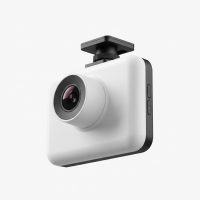
In a world of unpredictable roads, a reliable eyewitness is no longer a luxury—it’s a necessity. As a car owner, ensuring your safety and security is paramount, and a Garmin dash cam offers one of the most robust solutions on the market. For over 15 years, I’ve seen dash cam technology evolve, and Garmin has consistently set the standard for quality, innovation, and user-friendliness. This guide is born from that experience, designed to cut through the noise and help you understand why Garmin is a top contender for your vehicle’s co-pilot.
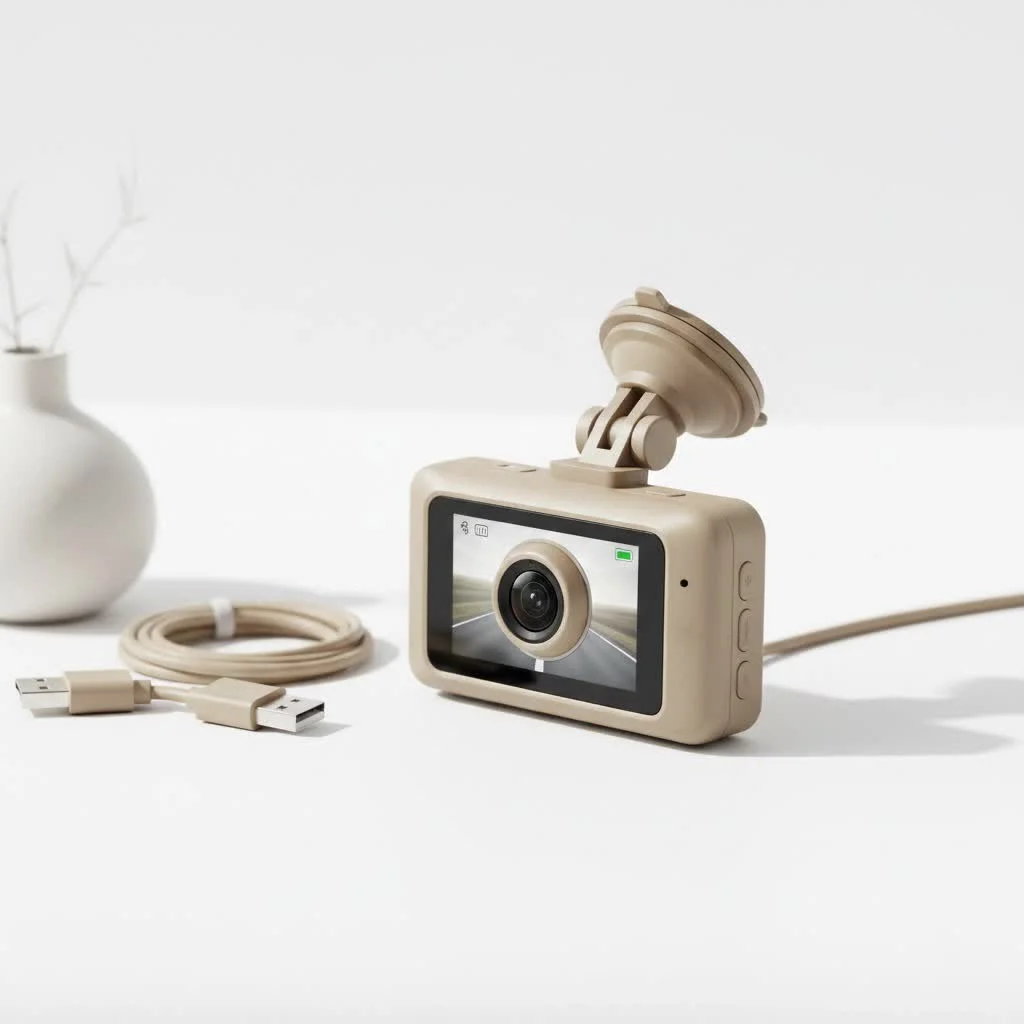
What Makes Garmin Dash Cams Stand Out?
While many brands compete for a spot on your windshield, Garmin distinguishes itself through a combination of thoughtful design, powerful technology, and a seamless user experience. They leverage their decades of expertise in GPS and camera technology to create products that do more than just record the road.
Compact and Discreet Design
One of the first things you’ll notice about a Garmin dash cam is its incredibly small footprint. Models like the Dash Cam Mini 2 are barely larger than a car key. This isn’t just for aesthetics; a discreet camera is less of a target for theft and doesn’t obstruct your view of the road, which is a critical safety factor.
Superior Video Quality
At the heart of any dash cam is its ability to capture clear, usable footage. Garmin excels here with features like Clarity HDR (High Dynamic Range), which ensures crucial details are visible in both harsh sunlight and low-light night conditions. Whether you need to read a license plate in a sun-glare or identify a hazard in a dark alley, the video is sharp and reliable. Most models offer at least 1080p resolution, with premium options like the Dash Cam 57 and 67W providing a crisp 1440p.
“In incident reconstruction, video clarity is non-negotiable. Garmin’s HDR technology consistently delivers footage that is usable and detailed, which can be the deciding factor in an insurance claim or legal dispute.” – David Chen, Automotive Electronics Specialist
Advanced Driver Aids
A Garmin dash cam is more than a passive recorder; it’s an active safety partner. Leveraging its built-in GPS and sensors, it provides alerts that help you stay aware and avoid potential dangers. These features include:
- Forward Collision Warnings: Alerts you if you’re following the vehicle ahead too closely.
- Lane Departure Warnings: Notifies you if you unintentionally drift out of your lane.
- Go Alerts: A helpful nudge in stop-and-go traffic to let you know when the car in front has started moving.
- Red Light and Speed Camera Alerts: Keeps you informed of upcoming traffic enforcement cameras (where available).
Voice Control for Hands-Free Operation
|
Our Picks for the Best Dash Cam in 2026
As an Amazon Associate I earn from qualifying purchases.
|
||
| Num | Product | Action |
|---|---|---|
| 1 | 4K Dash Cam Front, Built-in 5G WiFi, 64GB Card Included, Dash Camera for Cars, Mini Dashcam with Super Night Vision, Loop Recording, G-Sensor, 24 Hours Parking Monitor, Support 256GB Max |

|
| 2 | IIWEY N5 4 Channel Dash Cam 360° View, 1080P Front and Rear Inside, Left Right Dash Camera for Cars, 8 IR Lamps Night Vision, 5G WiFi & APP Control, G-Sensor, Parking Mode, with a Free 128GB SD Card |
|
| 3 | REDTIGER 4K STARVIS 2 Dash Cam Front and Rear, 5GHz WiFi 20MB/s Download, 128GB Card Included, Voice Control, Dash Camera for Cars with 3.18\" Touch Screen, GPS, Loop Recording, Parking Mode(F7N Touch) |
|
| 4 | Dash Cam Front and Rear, 2.5K+1080P Dual Dash Camera for Cars, 2’’ Display Mini Car Camera, G-Sensor Dashcam, Night Vision, 24H Parking Mode, Loop Recording, 170°Wide Angle, 32GB Card Included |
|
| 5 | VIOFO A229 Plus Dash Cam Front and Rear, Dual STARVIS 2 Sensors, 2 Channel HDR, 1440P+1440P Voice Control Car Dash Camera, 5GHz Wi-Fi, Voice Control, Ultra-Precise GPS (SD Card Not Included) |
|
| 6 | ROVE R2-4K DUAL Dash Cam Front and Rear, STARVIS 2 Sensor, FREE 128GB Card Included, 5G WiFi - up to 20MB/s Fastest Download Speed with App, 4K 2160P/FHD Dash Camera for Cars, 3\" IPS, 24H Parking Mode |
|
| 7 | Dash Cam 1296P Front Dashcam, V300 WiFi Dash Camera for Cars with App, Night Vision, Mini Hidden Single Car Camera, Loop Recording, 24H Parking Mode, Support 256GB Max, Black |
|
| 8 | Navycrest 4K Dash Cam Front and Rear with 64GB Card, Built-in 5G WiFi, Dash Camera for Cars 4K Front and 1080P Rear, Dashcams for Cars Loop Recording, Gravity Sensor, 24-Hours Parking Mode |
|
| 9 | REDTIGER 4K Dash Cam Front Rear, STARVIS 2 Sensor, Free Card Included, 5.8GHz WiFi-20MB/s Fast Download, Dash Camera for Cars with GPS, WDR Night Vision, 170°Wide Angle, 24H Parking Mode(F7NP) |
|
| 10 | Dash Cam Front and Rear, 1080P Dash Camera for Cars, 3 Channel Car Camera Front Rear and Inside with 32GB Card, Loop Recording, Night Vision, HDR, 24Hr Parking, G-Sensor |
|
Fumbling with buttons while driving is a major distraction. Garmin’s intuitive voice control solves this problem. Simply say “OK, Garmin” to save a video, take a picture, start or stop audio recording, and more, all without ever taking your hands off the wheel. It’s a simple feature that dramatically enhances safety and convenience.
Choosing the Right Garmin Dash Cam for You
Garmin offers a streamlined lineup, making it easy to find a model that fits your specific needs and budget. Here’s a breakdown of the most popular options.
Garmin Dash Cam Mini 2: The Tiny Guardian
This is the ultimate set-it-and-forget-it device. Its tiny size makes it virtually invisible behind your rearview mirror. Despite its small stature, it packs a punch with 1080p video, a 140-degree field of view, and voice control. It’s the perfect choice for minimalists or anyone who wants reliable protection without the bulk.
Garmin Dash Cam 47, 57, & 67W: The Versatile All-Rounders
This series represents the core of Garmin’s offerings. All models include GPS for location and speed data, voice control, and advanced driver alerts. The main differences are:
- Dash Cam 47: Records in 1080p with a 140-degree lens.
- Dash Cam 57: Upgrades the resolution to 1440p for even sharper detail.
- Dash Cam 67W: Offers the same 1440p resolution but with an extra-wide 180-degree field of view to capture more of the scene.
Garmin Dash Cam Tandem: The Interior Witness
The Tandem is a unique and powerful tool for rideshare drivers, professional drivers, or parents of teens. It features two lenses. The front-facing lens records the road in super-sharp 1440p, while the interior-facing lens captures a complete 180-degree view of the cabin in 720p. Thanks to its exclusive NightGlo™ technology, the interior recording is crystal clear even in complete darkness.
Key Features to Understand
When shopping for a Garmin dash cam, you’ll encounter several key terms. Here’s what they mean for you.
- Loop Recording: Your dash cam continuously records. When the memory card is full, it automatically overwrites the oldest, unsaved files. This means you never have to worry about running out of space.
- G-Sensor & Incident Detection: An internal G-sensor detects sudden impacts, like a collision or heavy braking. When this happens, the camera automatically saves the video footage from before, during, and after the event, locking it away so it can’t be overwritten.
- Parking Guard: This feature provides peace of mind when you’re away from your vehicle. The camera monitors for bumps or impacts and, if detected, will automatically start recording to capture the incident. Note that this feature often requires a constant power cable, sold separately.
- Garmin Drive App: This is the central hub for your dash cam. You can use it to view, edit, and share saved footage directly from your smartphone. If you have multiple Garmin cameras, the Dash Cam Auto Sync feature lets you view picture-in-picture video from up to four cameras at once.
How to Install Your Garmin Dash Cam
Installation is surprisingly straightforward and usually takes less than 15 minutes.
- Choose a Location: The best spot is typically high on the windshield, behind the rearview mirror, where it won’t obstruct your view. Ensure the lens has a clear view of the road.
- Clean the Windshield: Use an alcohol wipe to clean the area where you’ll mount the camera. This ensures a strong, lasting bond for the adhesive mount.
- Mount the Camera: Peel the film from the adhesive and press the mount firmly onto the glass for 30-60 seconds. Attach the camera to the mount.
- Route the Power Cable: Plug the included power cable into the camera. Neatly tuck the cable along the headliner, down the A-pillar (the pillar between the windshield and the side window), under the dashboard, and into your car’s 12V power outlet. Most cars have enough of a gap to hide the wire without any tools.
- Insert the SD Card and Power On: Insert a high-endurance microSD card (Class 10 or higher is recommended). Start your car, and the dash cam should power on automatically and begin recording.
- Pair with the App: Download the Garmin Drive app on your smartphone and follow the on-screen instructions to pair it with your camera. This will allow you to adjust settings and view footage.
Frequently Asked Questions (FAQ)
Do Garmin dash cams record audio?
Yes, all Garmin dash cams have a built-in microphone to record audio inside the vehicle. You can easily turn this feature on or off using voice commands or through the device settings if you prefer privacy.
How long do Garmin dash cams record for?
The recording time depends on the size of your microSD card and the video resolution. With loop recording, the camera records continuously. A 32GB card, for instance, can typically hold several hours of 1080p footage before it begins overwriting the oldest files.
Do I need a subscription for my Garmin dash cam?
No, there are no mandatory subscription fees. All core features, including video recording, incident detection, and use of the Garmin Drive app, are free. An optional subscription is available for secure online storage (the Vault), but it is not required for the camera to function.
Can a Garmin dash cam drain my car battery?
When powered by the standard 12V outlet, the camera only operates when the car is on, so it cannot drain the battery. If you use the Parking Guard feature with a constant power cable, it draws a very small amount of power. Garmin’s constant power cables are designed with a voltage cutoff to prevent them from draining your battery completely.
The Final Verdict: Is a Garmin Dash Cam Worth It?
After years of testing and reviewing countless devices, I can confidently say that a Garmin dash cam is a premium investment in your safety and peace of mind. They combine best-in-class video quality with truly useful smart features in a compact, reliable package. While they may come at a slightly higher price point than some budget brands, the build quality, user experience, and robust feature set provide value that far outweighs the cost. Whether you’re a daily commuter, a professional driver, or a weekend road-tripper, a Garmin dash cam is an eyewitness you can always trust.
Get our weekly buyer guide
Practical specs, not advice. Unsubscribe anytime.