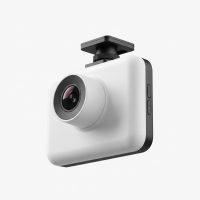
In my 15 years of working with vehicle technology, I’ve seen dash cams evolve from simple recorders into intelligent co-pilots. The Nexar dash cam is a prime example of this evolution, fundamentally changing how we think about on-road security. It’s not just about recording video; it’s about creating a seamless, connected experience that protects you both on the move and when you’re parked. This guide will break down everything you need to know about the Nexar ecosystem, drawing on years of hands-on experience with these and other leading camera systems.
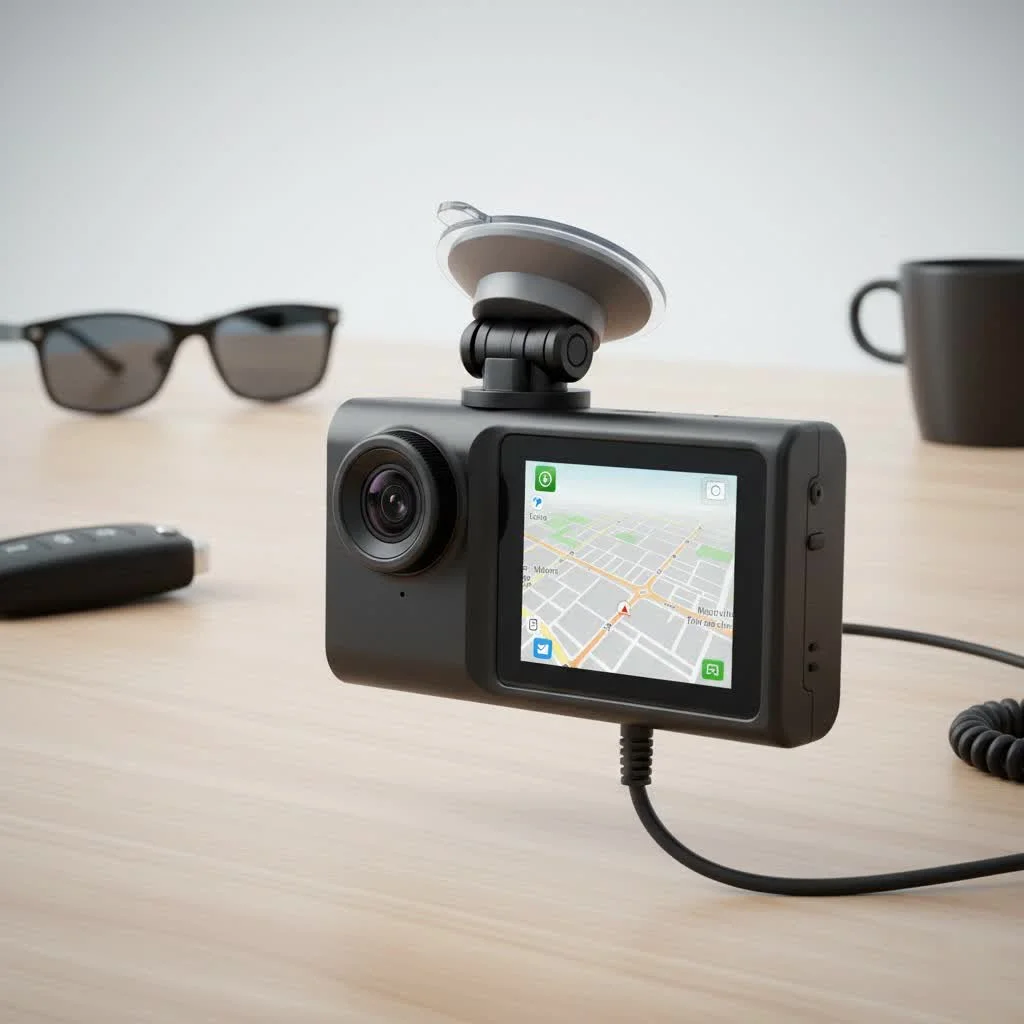
What Sets a Nexar Dash Cam Apart?
The core difference between a Nexar and a traditional dash cam is its brain: the smartphone app. While other cameras rely on microSD cards that you have to manually remove and manage, Nexar uses your phone’s processing power and data connection to create a smarter, more responsive system. This integration unlocks a suite of features that are simply unavailable on many other devices.
Unlimited Cloud Storage: The Game Changer
The single biggest selling point for Nexar is its promise of unlimited free cloud backup for clips and events. This is a massive advantage. Here’s how it works:
- Constant Recording: The camera records to its internal memory (or an SD card, depending on the model).
- Smart Syncing: As you drive, the Nexar app automatically streams the footage to your phone.
- Cloud Backup: Crucial event clips, like hard brakes or impacts detected by the G-sensor, are automatically uploaded to your personal, secure Nexar cloud account. You can also manually upload full drives from the app.
This means you never have to worry about a memory card failing, being full, or losing critical footage after an accident. It’s always backed up and accessible from anywhere.
AI-Powered Incident Detection
Nexar leverages Artificial Intelligence to automatically detect incidents. When the camera’s G-sensor registers an impact, the app instantly saves a detailed clip of the event—including the moments leading up to it and the aftermath. It then automatically uploads this clip to the cloud.
“The true value of a dash cam isn’t just the video; it’s the irrefutable proof it provides in a stressful situation. Nexar’s system automates the most critical part: securing and saving that proof the second an incident occurs. It’s a level of reliability that gives drivers real peace of mind.” – Daniel Carter, Automotive Tech Specialist
One-Tap Insurance Reports
Following an accident, the last thing you want to do is fumble with technology. The Nexar app simplifies this process by allowing you to generate a detailed, one-tap insurance report. This report includes:
- The video evidence of the incident.
- Key data like your speed, location, and the force of the impact.
- A concise summary that can be sent directly to your insurance provider.
This feature can significantly speed up the claims process and remove ambiguity about what happened.
Popular Nexar Dash Cam Models: Beam vs. Pro
Nexar offers a few key models designed for different needs. The two most common choices are the Beam and the Pro.
Nexar Beam: The Sleek and Simple Choice
|
Our Picks for the Best Dash Cam in 2026
As an Amazon Associate I earn from qualifying purchases.
|
||
| Num | Product | Action |
|---|---|---|
| 1 | Dash Cam 1296P Front Dashcam, V300 WiFi Dash Camera for Cars with App, Night Vision, Mini Hidden Single Car Camera, Loop Recording, 24H Parking Mode, Support 256GB Max, Black |

|
| 2 | REDTIGER 4K STARVIS 2 Dash Cam Front and Rear, 5GHz WiFi 20MB/s Download, 128GB Card Included, Voice Control, Dash Camera for Cars with 3.18\" Touch Screen, GPS, Loop Recording, Parking Mode(F7N Touch) |
|
| 3 | 4K Dash Cam Front, Built-in 5G WiFi, 64GB Card Included, Dash Camera for Cars, Mini Dashcam with Super Night Vision, Loop Recording, G-Sensor, 24 Hours Parking Monitor, Support 256GB Max |
|
| 4 | ROVE R2-4K DUAL Dash Cam Front and Rear, STARVIS 2 Sensor, FREE 128GB Card Included, 5G WiFi - up to 20MB/s Fastest Download Speed with App, 4K 2160P/FHD Dash Camera for Cars, 3\" IPS, 24H Parking Mode |
|
| 5 | REDTIGER 4K Dash Cam Front Rear, STARVIS 2 Sensor, Free Card Included, 5.8GHz WiFi-20MB/s Fast Download, Dash Camera for Cars with GPS, WDR Night Vision, 170°Wide Angle, 24H Parking Mode(F7NP) |
|
| 6 | VIOFO A229 Plus Dash Cam Front and Rear, Dual STARVIS 2 Sensors, 2 Channel HDR, 1440P+1440P Voice Control Car Dash Camera, 5GHz Wi-Fi, Voice Control, Ultra-Precise GPS (SD Card Not Included) |
|
| 7 | IIWEY N5 4 Channel Dash Cam 360° View, 1080P Front and Rear Inside, Left Right Dash Camera for Cars, 8 IR Lamps Night Vision, 5G WiFi & APP Control, G-Sensor, Parking Mode, with a Free 128GB SD Card |
|
| 8 | Dash Cam Front and Rear, 1080P Dash Camera for Cars, 3 Channel Car Camera Front Rear and Inside with 32GB Card, Loop Recording, Night Vision, HDR, 24Hr Parking, G-Sensor |
|
| 9 | Navycrest 4K Dash Cam Front and Rear with 64GB Card, Built-in 5G WiFi, Dash Camera for Cars 4K Front and 1080P Rear, Dashcams for Cars Loop Recording, Gravity Sensor, 24-Hours Parking Mode |
|
| 10 | Dash Cam Front and Rear, 2.5K+1080P Dual Dash Camera for Cars, 2’’ Display Mini Car Camera, G-Sensor Dashcam, Night Vision, 24H Parking Mode, Loop Recording, 170°Wide Angle, 32GB Card Included |
|
The Beam is Nexar’s most popular model for a reason. It’s compact, discreet, and incredibly easy to set up.
- Best for: Daily commuters, rideshare drivers, and anyone who wants a “set it and forget it” solution.
- Key Features: 1080p Full HD recording, a 135-degree wide-angle lens, and a low-profile design that hides neatly behind your rearview mirror.
- Limitation: It only records the road ahead.
Nexar Pro: Front and Interior Coverage
The Nexar Pro is designed for drivers who need comprehensive coverage inside and out. It features two cameras in one unit.
- Best for: Rideshare (Uber/Lyft) drivers, professional drivers, and parents of teen drivers.
- Key Features: A forward-facing 1080p camera and a second 720p camera that records the vehicle’s interior. The interior camera is also equipped with infrared night vision to ensure clear recording even in complete darkness.
Here is a simple breakdown:
| Feature | Nexar Beam | Nexar Pro |
|---|---|---|
| View | Front-Facing Only | Front + Interior |
| Resolution | 1080p Full HD | 1080p (Front), 720p (Interior) |
| Night Vision | Standard | Infrared (Interior Camera) |
| Primary User | Everyday Commuters | Rideshare, Professional Drivers |
How to Install and Set Up Your Nexar Dash Cam
One of Nexar’s strengths is its user-friendly installation process. You don’t need to be a tech expert to get it running in under 10 minutes.
- Download the App: Before you do anything else, download the “Nexar” app from the Apple App Store or Google Play Store. Create your account.
- Mount the Camera: Find a spot on your windshield, typically behind the rearview mirror, that doesn’t obstruct your view. Clean the glass, peel the adhesive backing off the included mount, and press it firmly in place.
- Connect the Power: Attach the camera to the mount. Run the provided power cable from the camera to your car’s 12V power outlet (cigarette lighter). Tuck the cable neatly along the headliner and down the A-pillar for a clean look.
- Pair with Your Phone: Turn on your car. Open the Nexar app on your phone and follow the on-screen instructions to pair your phone with the dash cam’s Wi-Fi signal.
- Start Driving: Once paired, the camera will automatically start recording every time you drive. The app will run in the background, managing the video streams and backing up important clips.
Is a Nexar Dash Cam Worth The Investment?
Like any product, a Nexar dash cam has its strengths and weaknesses.
Pros:
- Unlimited Cloud Storage: This is the flagship feature and a major benefit.
- Ease of Use: The app-based interface is intuitive and simple for non-technical users.
- Smart Features: AI incident detection and one-tap reports provide tangible value after a collision.
- Parking Mode: With the right hardware, it can alert you to bumps or impacts while parked.
Cons:
- Phone Dependency: The system relies heavily on your phone. If your phone’s battery is dead, out of storage, or has connectivity issues, the smart features won’t work.
- Data Usage: While driving, the app uses your mobile data to upload clips and provide real-time alerts. This may be a concern for those with limited data plans.
- No Screen: Unlike some competitors, Nexar cameras do not have a built-in screen, as all interaction is done through the app.
Frequently Asked Questions
Does the Nexar app have to be open to work?
No, the app is designed to work in the background. As long as your phone is in the car with you, the dash cam will connect and record automatically once you start driving.
How does the Nexar dash cam record when the car is off?
For parking mode to function, the dash cam needs constant power. This typically requires a hardwire kit that connects the camera directly to your car’s fuse box. When the camera’s sensor detects an impact, it wakes up, records a clip, and sends a notification to your phone.
What happens if I don’t have a phone signal?
The camera will continue to record footage to its internal memory. When you regain a cellular or Wi-Fi connection, the app will then upload any saved incident clips to the cloud. You won’t lose the recording.
Does Nexar require a subscription?
No, the core features, including the unlimited cloud backup for clips, are free. Nexar has offered premium subscription services for additional features like detailed location tracking, but the main functionality does not require a monthly fee.
Can I use a Nexar dash cam in any car?
Yes, as long as your vehicle has a standard 12V power outlet, you can use a Nexar dash cam. The installation is universal and does not require any permanent modifications to your car.
The Final Verdict
The Nexar dash cam represents a significant step forward in driver safety technology. By smartly integrating with your smartphone, it automates the most important aspects of evidence protection. For the average driver, and especially for rideshare professionals, the combination of seamless cloud backup, AI-powered alerts, and user-friendly operation makes it a top-tier choice in a crowded market. If you value convenience and powerful, automated safety features, a Nexar system should be at the top of your list.
Get our weekly buyer guide
Practical specs, not advice. Unsubscribe anytime.