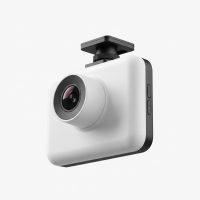
In today’s world of busy roads and unpredictable drivers, a dash cam has shifted from a niche gadget to an essential tool for every vehicle owner. Finding the best dash cam isn’t just about recording your scenic drives; it’s about investing in your peace of mind, protecting yourself from false claims, and having an indisputable witness in case of an incident. As a specialist with over 15 years in automotive technology, I’ve seen firsthand how crucial the right camera can be. This guide will demystify the tech and help you choose the perfect co-pilot for your car.
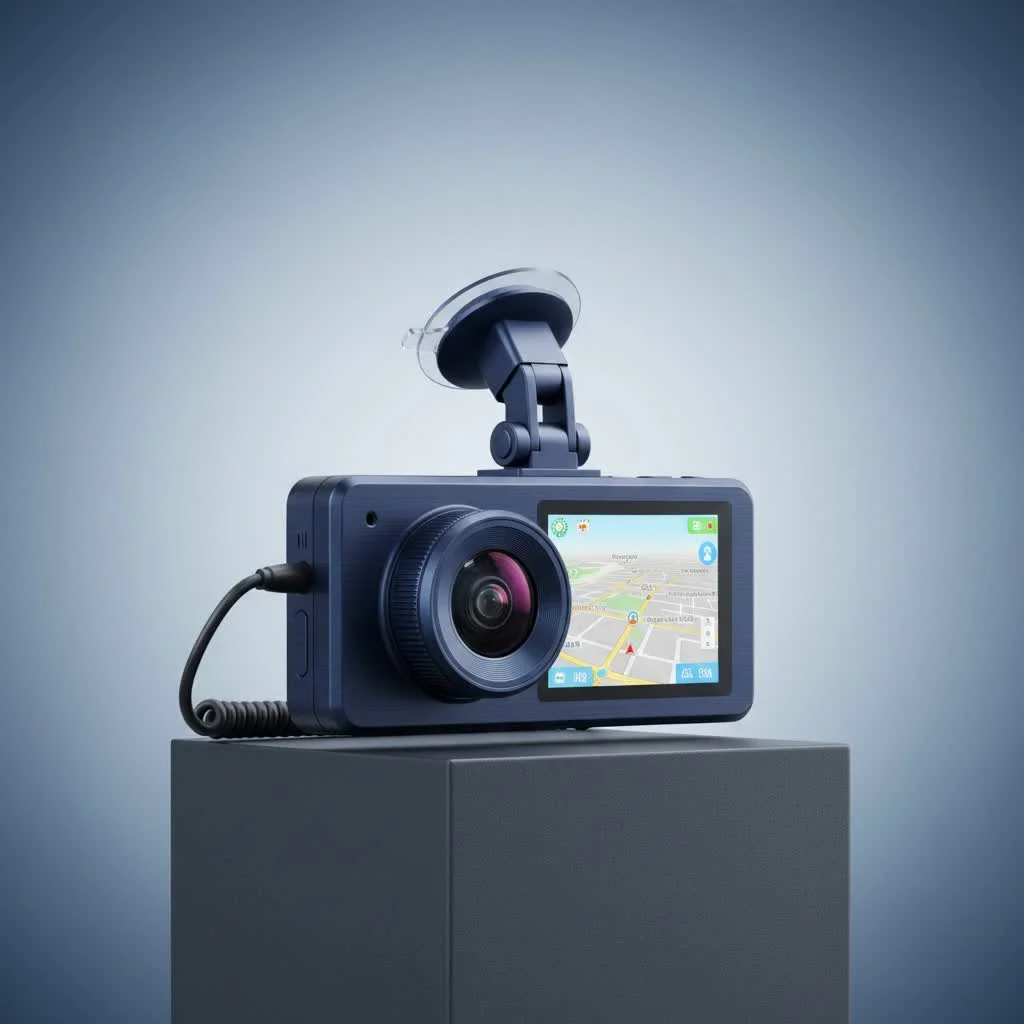
Why Every Driver Needs a Dash Cam in 2025
Think of a dash cam as an unbiased witness that never blinks. Its primary purpose is to record everything that happens on the road, providing concrete evidence for insurance claims, disputes, or even legal proceedings. This footage can be invaluable in proving you were not at fault in an accident, potentially saving you thousands of dollars in deductibles and preventing hikes in your insurance premiums.
Beyond accident documentation, a dash cam can:
- Deter Theft and Vandalism: Many models feature a parking mode that records any impact or motion while your car is unattended.
- Monitor Young or Inexperienced Drivers: Parents can review footage to provide constructive feedback and ensure safe driving habits.
- Capture the Unexpected: From beautiful sunsets to bizarre road events, a dash cam records it all.
- Prevent Insurance Fraud: Dash cam footage is your best defense against “crash-for-cash” scams where criminals intentionally cause accidents.
Types of Dash Cams: Which One is Right for You?
The first step in choosing the best dash cam is understanding the different types available. Your choice will depend on your specific needs and budget.
Single-Lens (Forward-Facing) Dash Cams
This is the most common and affordable type of dash cam. It mounts to your windshield and records the road ahead. It’s an excellent entry-level option for drivers who primarily want to document accidents happening in front of them.
Dual-Lens (Front and Rear) Dash Cams
A dual-lens system includes a primary front-facing camera and a second, smaller camera to record the view out of your rear window. This provides comprehensive coverage, capturing rear-end collisions, which are incredibly common. This is the most recommended setup for the average driver seeking complete protection.
Three-Channel (Front, Rear, and Cabin) Dash Cams
Designed with rideshare drivers and fleet managers in mind, a three-channel system adds an interior-facing camera to the front and rear setup. The cabin camera records what’s happening inside the vehicle, providing an extra layer of security and accountability for professional drivers. Many interior cameras also feature infrared LEDs for clear recording at night.
Key Features to Look for in the Best Dash Cam
The spec sheet of a dash cam can be intimidating. Let’s break down the features that truly matter.
Video Quality: Beyond 1080p to 4K
|
Our Picks for the Best Dash Cam in 2026
As an Amazon Associate I earn from qualifying purchases.
|
||
| Num | Product | Action |
|---|---|---|
| 1 | Dash Cam Front and Rear, 2.5K+1080P Dual Dash Camera for Cars, 2’’ Display Mini Car Camera, G-Sensor Dashcam, Night Vision, 24H Parking Mode, Loop Recording, 170°Wide Angle, 32GB Card Included |

|
| 2 | Dash Cam Front and Rear, 1080P Dash Camera for Cars, 3 Channel Car Camera Front Rear and Inside with 32GB Card, Loop Recording, Night Vision, HDR, 24Hr Parking, G-Sensor |
|
| 3 | VIOFO A229 Plus Dash Cam Front and Rear, Dual STARVIS 2 Sensors, 2 Channel HDR, 1440P+1440P Voice Control Car Dash Camera, 5GHz Wi-Fi, Voice Control, Ultra-Precise GPS (SD Card Not Included) |
|
| 4 | ROVE R2-4K DUAL Dash Cam Front and Rear, STARVIS 2 Sensor, FREE 128GB Card Included, 5G WiFi - up to 20MB/s Fastest Download Speed with App, 4K 2160P/FHD Dash Camera for Cars, 3\" IPS, 24H Parking Mode |
|
| 5 | REDTIGER 4K STARVIS 2 Dash Cam Front and Rear, 5GHz WiFi 20MB/s Download, 128GB Card Included, Voice Control, Dash Camera for Cars with 3.18\" Touch Screen, GPS, Loop Recording, Parking Mode(F7N Touch) |
|
| 6 | REDTIGER 4K Dash Cam Front Rear, STARVIS 2 Sensor, Free Card Included, 5.8GHz WiFi-20MB/s Fast Download, Dash Camera for Cars with GPS, WDR Night Vision, 170°Wide Angle, 24H Parking Mode(F7NP) |
|
| 7 | Dash Cam 1296P Front Dashcam, V300 WiFi Dash Camera for Cars with App, Night Vision, Mini Hidden Single Car Camera, Loop Recording, 24H Parking Mode, Support 256GB Max, Black |
|
| 8 | 4K Dash Cam Front, Built-in 5G WiFi, 64GB Card Included, Dash Camera for Cars, Mini Dashcam with Super Night Vision, Loop Recording, G-Sensor, 24 Hours Parking Monitor, Support 256GB Max |
|
| 9 | Navycrest 4K Dash Cam Front and Rear with 64GB Card, Built-in 5G WiFi, Dash Camera for Cars 4K Front and 1080P Rear, Dashcams for Cars Loop Recording, Gravity Sensor, 24-Hours Parking Mode |
|
| 10 | IIWEY N5 4 Channel Dash Cam 360° View, 1080P Front and Rear Inside, Left Right Dash Camera for Cars, 8 IR Lamps Night Vision, 5G WiFi & APP Control, G-Sensor, Parking Mode, with a Free 128GB SD Card |
|
Video resolution is critical. While Full HD (1080p) is the minimum standard you should accept, 2K (1440p) and 4K (2160p) resolutions offer significantly more detail. Higher resolution makes it easier to read license plates and street signs, which can be crucial evidence.
“In my experience, 4K resolution isn’t just a luxury; it’s a practical tool. The ability to zoom in on a recording without losing critical details like a license plate number from a distance is what separates a good dash cam from a great one.” – David Chen, Lead Tech Expert at Welmb.com
Loop Recording
This is a fundamental feature of any modern dash cam. Loop recording continuously records video in short segments (e.g., 1, 3, or 5 minutes). When the memory card is full, the camera automatically overwrites the oldest, non-essential file, ensuring you never run out of space and the camera is always recording.
G-Sensor (Automatic Incident Detection)
A G-sensor, or accelerometer, detects sudden changes in motion, such as hard braking, a sharp turn, or an impact. When triggered, it automatically locks the current video file, protecting it from being overwritten by the loop recording feature. This ensures your crucial accident footage is always saved.
Parking Mode
Parking mode is your vehicle’s silent guardian. When the ignition is off, the camera enters a standby state. If the G-sensor detects an impact (like a bump in a parking lot) or a motion sensor detects movement, the camera wakes up and records the event. This feature often requires a hardwire kit to draw power directly from the car’s battery without draining it.
GPS Logging
An integrated GPS module embeds your vehicle’s speed and location data into the video footage. This information can provide vital context to an accident recording, showing exactly where and how fast you were traveling.
Wi-Fi and App Connectivity
Wi-Fi allows your dash cam to connect directly to your smartphone via an app. This makes it incredibly easy to review, download, and share footage without needing to remove the microSD card and plug it into a computer.
How to Choose the Best Dash Cam for Your Needs
With so many options, here’s a quick guide to match a camera to your driving profile.
For the Daily Commuter:
- Focus: Reliability and simplicity.
- Must-Haves: 1080p or 2K resolution, a reliable G-sensor, and loop recording. A dual-lens system is highly recommended.
- Good to Have: Wi-Fi for easy file access.
For the Rideshare or Professional Driver:
- Focus: Comprehensive coverage and safety.
- Must-Haves: A three-channel system (front, rear, cabin) is essential. The interior camera should have infrared night vision.
- Good to Have: GPS logging to document routes and speed.
For the Tech Enthusiast:
- Focus: The best performance and features.
- Must-Haves: 4K resolution, advanced parking mode with cloud connectivity, GPS, and Wi-Fi.
- Good to Have: Features like Advanced Driver-Assistance Systems (ADAS) that provide lane departure or forward collision warnings.
Frequently Asked Questions (FAQ)
Is a dash cam legal to use?
In most countries and states, dash cams are legal for personal use. However, some jurisdictions have regulations about where on the windshield you can mount them to avoid obstructing the driver’s view. It’s always a good idea to check your local laws.
How much should I spend on a dash cam?
You can find basic, reliable dash cams for under $100. Mid-range dual-camera systems typically cost between $150 and $250. High-end 4K models with advanced features can cost $300 or more. Remember to factor in the cost of a high-endurance microSD card.
Does a dash cam drain your car battery?
When operating normally, a dash cam is powered by your car’s ignition and does not drain the battery. If you use parking mode, it’s crucial to use a hardwire kit with a built-in voltage cutoff to prevent the camera from fully draining your battery.
Where is the best place to mount a dash cam?
The ideal location is high up in the center of your windshield, typically behind the rearview mirror. This placement provides a clear, unobstructed view of the road and doesn’t interfere with your line of sight.
Can I use a GoPro as a dash cam?
While you technically can, it’s not recommended. GoPros lack essential dash cam features like loop recording and automatic G-sensor activation. They are also prone to overheating during long recording sessions and are not designed for the constant power cycling of a car.
Final Thoughts
Choosing the best dash cam is a proactive step toward safer, smarter driving. It provides a powerful combination of security, evidence, and peace of mind. By assessing your needs and understanding the key features outlined in this guide, you can confidently select a device that will serve you well for years to come. Don’t wait for an incident to happen; equip your vehicle with a reliable witness today.
Get our weekly buyer guide
Practical specs, not advice. Unsubscribe anytime.