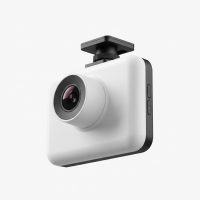
Riding a motorcycle offers a sense of freedom that’s hard to match, but it also comes with unique risks. On the road, you’re more vulnerable than other motorists, and in the event of an incident, proving what really happened can be a challenge. That’s where a motorcycle dash cam becomes more than just a gadget—it’s your impartial witness, your security guard, and your personal videographer, all rolled into one. As a specialist with over 15 years in the field, I’ve seen firsthand how these devices have evolved and why they are now an essential piece of gear for any serious rider.
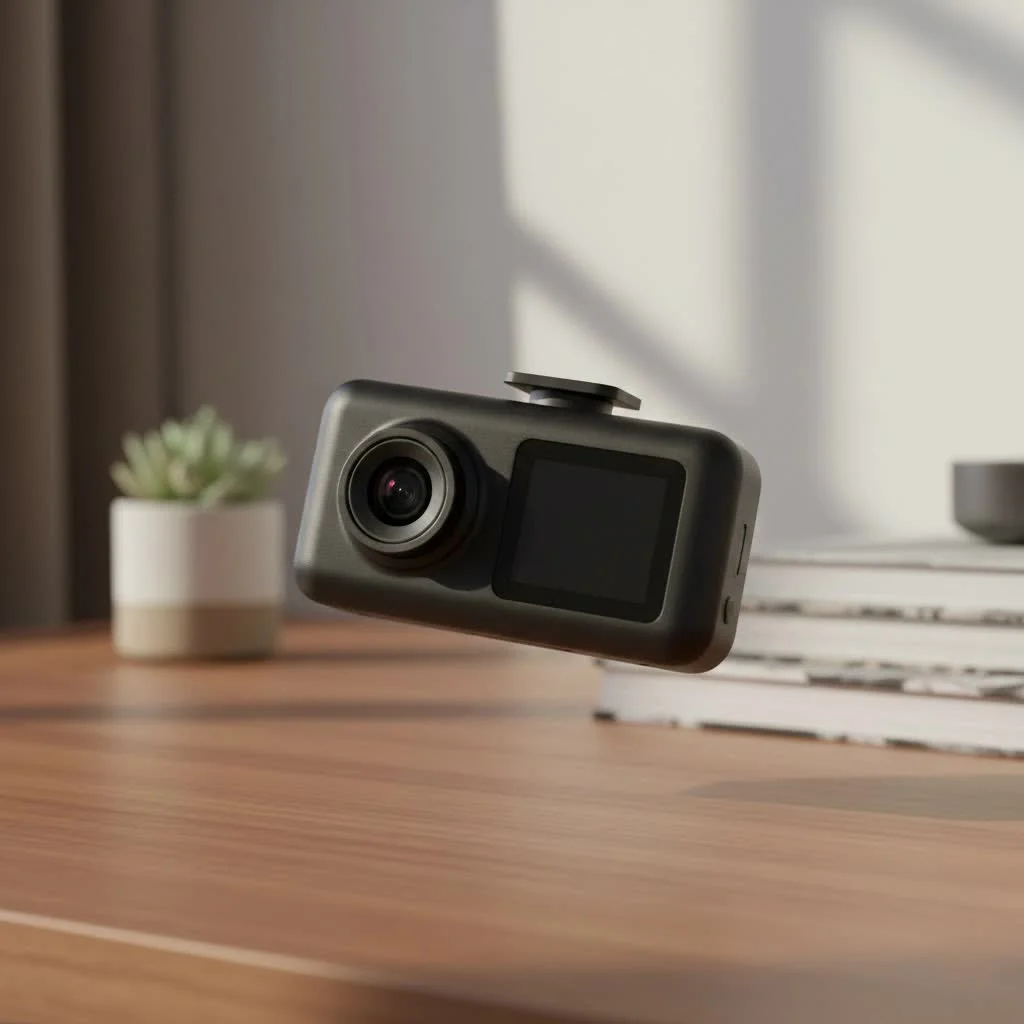
This guide will walk you through everything you need to know about selecting, installing, and getting the most out of your motorcycle dash cam, ensuring you ride with greater peace of mind.
Why Every Rider Needs a Motorcycle Dash Cam
Unlike cars, motorcycles leave riders exposed, and disputes over accidents can quickly become one person’s word against another’s. A motorcycle dash cam provides indisputable video evidence that can protect you from false claims and ensure that liability is correctly assigned. It’s a silent partner that works to safeguard your interests.
Beyond accident protection, these cameras serve several other key purposes:
- Deterring Theft and Vandalism: Many modern dash cams feature a “parking mode” that automatically records when it detects motion or impact, even when the ignition is off. This adds a crucial layer of security when your bike is left unattended.
- Capturing Your Adventures: The open road is full of breathtaking views and unforgettable moments. A dash cam allows you to record your journeys in high definition, letting you relive and share your favorite rides with friends and family.
- Improving Your Riding Skills: Reviewing your footage can provide valuable insights into your riding habits. It allows you to analyze your cornering, braking, and road positioning, helping you become a safer and more confident rider.
“A motorcycle dash cam is the single most important piece of electronic gear a rider can invest in. It doesn’t just record the ride; it provides a layer of truth that protects you financially and legally in situations where you are most vulnerable.” – Jonathan Miles, Automotive Technology Analyst
Key Features to Look For in a Motorcycle Dash Cam
Not all dash cams are created equal, and the demands of a motorcycle are far different from those of a car. When making your choice, prioritize these essential features.
Dual-Channel Recording (Front and Rear)
|
Our Picks for the Best Dash Cam in 2026
As an Amazon Associate I earn from qualifying purchases.
|
||
| Num | Product | Action |
|---|---|---|
| 1 | IIWEY N5 4 Channel Dash Cam 360° View, 1080P Front and Rear Inside, Left Right Dash Camera for Cars, 8 IR Lamps Night Vision, 5G WiFi & APP Control, G-Sensor, Parking Mode, with a Free 128GB SD Card |

|
| 2 | VIOFO A229 Plus Dash Cam Front and Rear, Dual STARVIS 2 Sensors, 2 Channel HDR, 1440P+1440P Voice Control Car Dash Camera, 5GHz Wi-Fi, Voice Control, Ultra-Precise GPS (SD Card Not Included) |
|
| 3 | ROVE R2-4K DUAL Dash Cam Front and Rear, STARVIS 2 Sensor, FREE 128GB Card Included, 5G WiFi - up to 20MB/s Fastest Download Speed with App, 4K 2160P/FHD Dash Camera for Cars, 3\" IPS, 24H Parking Mode |
|
| 4 | Dash Cam 1296P Front Dashcam, V300 WiFi Dash Camera for Cars with App, Night Vision, Mini Hidden Single Car Camera, Loop Recording, 24H Parking Mode, Support 256GB Max, Black |
|
| 5 | 4K Dash Cam Front, Built-in 5G WiFi, 64GB Card Included, Dash Camera for Cars, Mini Dashcam with Super Night Vision, Loop Recording, G-Sensor, 24 Hours Parking Monitor, Support 256GB Max |
|
| 6 | REDTIGER 4K STARVIS 2 Dash Cam Front and Rear, 5GHz WiFi 20MB/s Download, 128GB Card Included, Voice Control, Dash Camera for Cars with 3.18\" Touch Screen, GPS, Loop Recording, Parking Mode(F7N Touch) |
|
| 7 | Navycrest 4K Dash Cam Front and Rear with 64GB Card, Built-in 5G WiFi, Dash Camera for Cars 4K Front and 1080P Rear, Dashcams for Cars Loop Recording, Gravity Sensor, 24-Hours Parking Mode |
|
| 8 | Dash Cam Front and Rear, 1080P Dash Camera for Cars, 3 Channel Car Camera Front Rear and Inside with 32GB Card, Loop Recording, Night Vision, HDR, 24Hr Parking, G-Sensor |
|
| 9 | REDTIGER 4K Dash Cam Front Rear, STARVIS 2 Sensor, Free Card Included, 5.8GHz WiFi-20MB/s Fast Download, Dash Camera for Cars with GPS, WDR Night Vision, 170°Wide Angle, 24H Parking Mode(F7NP) |
|
| 10 | Dash Cam Front and Rear, 2.5K+1080P Dual Dash Camera for Cars, 2’’ Display Mini Car Camera, G-Sensor Dashcam, Night Vision, 24H Parking Mode, Loop Recording, 170°Wide Angle, 32GB Card Included |
|
A single, front-facing camera is good, but a dual-channel system is better. Having cameras that record both what’s happening in front of you and behind you provides a 360-degree view of any incident. This comprehensive coverage is vital for capturing scenarios like being rear-ended.
Video Quality and Resolution
Clear footage is non-negotiable. Look for a camera that records in at least 1080p Full HD. For even greater detail, such as reading license plates from a distance, consider models with 2K or even 4K resolution. A high frame rate (30fps or 60fps) will also ensure smoother playback, which is crucial for analyzing fast-moving events.
Durability and Weatherproofing
Your dash cam will be exposed to the elements. An IP (Ingress Protection) rating of IP67 or higher is essential, ensuring the device is protected against dust and heavy rain. It should also be built to withstand constant vibrations from the road and engine.
Loop Recording and G-Sensor
These two features work together to ensure you never miss a critical moment.
- Loop Recording: Continuously records video, overwriting the oldest files when the memory card is full. This means the camera is always recording without you needing to manage the storage.
- G-Sensor (Accelerometer): Detects sudden impacts, such as a collision or a fall. When triggered, it automatically locks the current video file, preventing it from being overwritten by the loop recording feature.
GPS Integration
A built-in GPS module embeds your speed and location data directly onto the video footage. This information can be invaluable for providing context to an incident, showing exactly where and how fast you were traveling.
Wi-Fi and App Connectivity
Modern dash cams often come with Wi-Fi capabilities that allow you to connect the device to your smartphone via a dedicated app. This makes it incredibly easy to view, download, and share footage without needing to remove the SD card and transfer files to a computer.
Step-by-Step Installation Guide
While some riders may prefer professional installation, most motorcycle dash cam systems are designed for straightforward DIY setup. Here is a general guide to get you started:
- Plan Your Camera Placement: Identify the best mounting locations for the front and rear cameras. The front camera is typically mounted near the headlight or on the front fairing, while the rear camera is often placed above the license plate or on the tail section. Ensure both have an unobstructed view.
- Mount the Main Unit (DVR): The main recording unit, or DVR, is the brain of the system. It should be installed in a protected, secure location, such as under the seat or in a storage compartment, to shield it from weather and potential theft.
- Route the Cables: Carefully plan the path for the camera and power cables. Run them alongside the bike’s existing wiring loom, using zip ties to secure them neatly. Avoid areas with high heat (like the engine or exhaust) and moving parts (like the suspension or steering).
- Connect to a Power Source: Most dash cams connect to the motorcycle’s battery. The system typically has three wires: a constant power wire (for parking mode), an accessory (ACC) wire that receives power only when the ignition is on, and a ground wire. Connecting the ACC wire ensures the camera powers on and off with your bike, preventing battery drain.
- Install the Control Button (If Included): Many kits include a small, handlebar-mounted button that allows you to manually lock a video file or take a snapshot without taking your hands far from the grips. Mount it in an easily accessible location.
- Test the System: Before finalizing the installation and replacing any body panels, turn on the ignition to power up the dash cam. Use the smartphone app to check the live view from both cameras, ensuring they are properly aimed and recording correctly.
Best Motorcycle Dash Cam Brands to Consider
The market has expanded significantly, with several reputable brands offering high-quality systems tailored for motorcyclists. Here are a few top contenders:
- Vantrue: Known for its excellent video quality and robust, weatherproof designs, Vantrue offers models like the F1 that provide 4K recording and a host of rider-friendly features.
- INNOVV: A pioneer in the motorcycle camera space, INNOVV focuses on durable, discreet systems. The K-series is popular for its high-resolution dual-channel recording and reliable performance.
- Thinkware: While a major player in the car dash cam market, Thinkware also produces rugged powersports models like the M1, which are built to withstand harsh conditions.
- VSYSTO: Offering a great balance of features and affordability, VSYSTO is a popular choice for riders looking for a reliable dual-channel system without a premium price tag.
Frequently Asked Questions (FAQ)
What is the difference between a motorcycle dash cam and an action camera like a GoPro?
While an action camera can record your ride, it’s not designed for the continuous, automated operation of a dash cam. A motorcycle dash cam automatically starts and stops with the ignition, uses loop recording so you never run out of space, and has a G-sensor to automatically save incident footage. Action cameras typically require manual operation and have limited battery life.
Is it legal to use a motorcycle dash cam?
In most places, using a dash cam for personal recording is legal. However, regulations can vary, especially concerning audio recording and how the footage is used. It’s always a good practice to check your local laws.
How much storage capacity do I need?
This depends on video resolution and how much footage you want to save. A 32GB or 64GB card is often sufficient for daily commuting, thanks to loop recording. For longer tours, consider a 128GB or 256GB card. Always use a high-endurance memory card designed for continuous rewriting.
Will a dash cam drain my motorcycle’s battery?
When installed correctly, a dash cam should not drain your battery. The connection to an accessory (ACC) wire ensures the main recording function only operates when the ignition is on. If using parking mode, the camera enters a low-power state and only records when triggered by the G-sensor, drawing minimal power.
Can I install a motorcycle dash cam myself?
Yes, most kits are designed for DIY installation with basic tools. The process involves mounting the cameras and DVR, routing cables, and connecting to a power source. However, if you are not comfortable with your bike’s electrical system, professional installation is recommended.
Ride Smarter and Safer
A motorcycle dash cam is a powerful tool that offers protection, security, and the ability to capture the joy of riding. By investing in a quality system and ensuring it’s installed correctly, you’re not just adding another accessory to your bike—you’re adding a vital layer of security that watches over you on every mile of your journey. Choose the right camera for your needs, and ride on with the confidence that you’re prepared for whatever the road has in store.
Get our weekly buyer guide
Practical specs, not advice. Unsubscribe anytime.