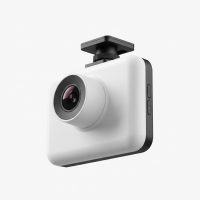
In over fifteen years of working with vehicle electronics, I’ve seen dash cams evolve from a niche gadget for tech enthusiasts into an essential tool for everyday drivers. The good news? You no longer need to spend a fortune to get a reliable eyewitness for your car. The market for the best budget dash cam is more competitive than ever, offering peace of mind at a price that fits any wallet. Forget grainy, unusable footage; modern affordable cameras pack impressive technology that can protect you from false claims, document accidents, and even capture unexpected moments on the road. This guide will navigate the crowded market to help you find a high-value device that delivers where it counts.
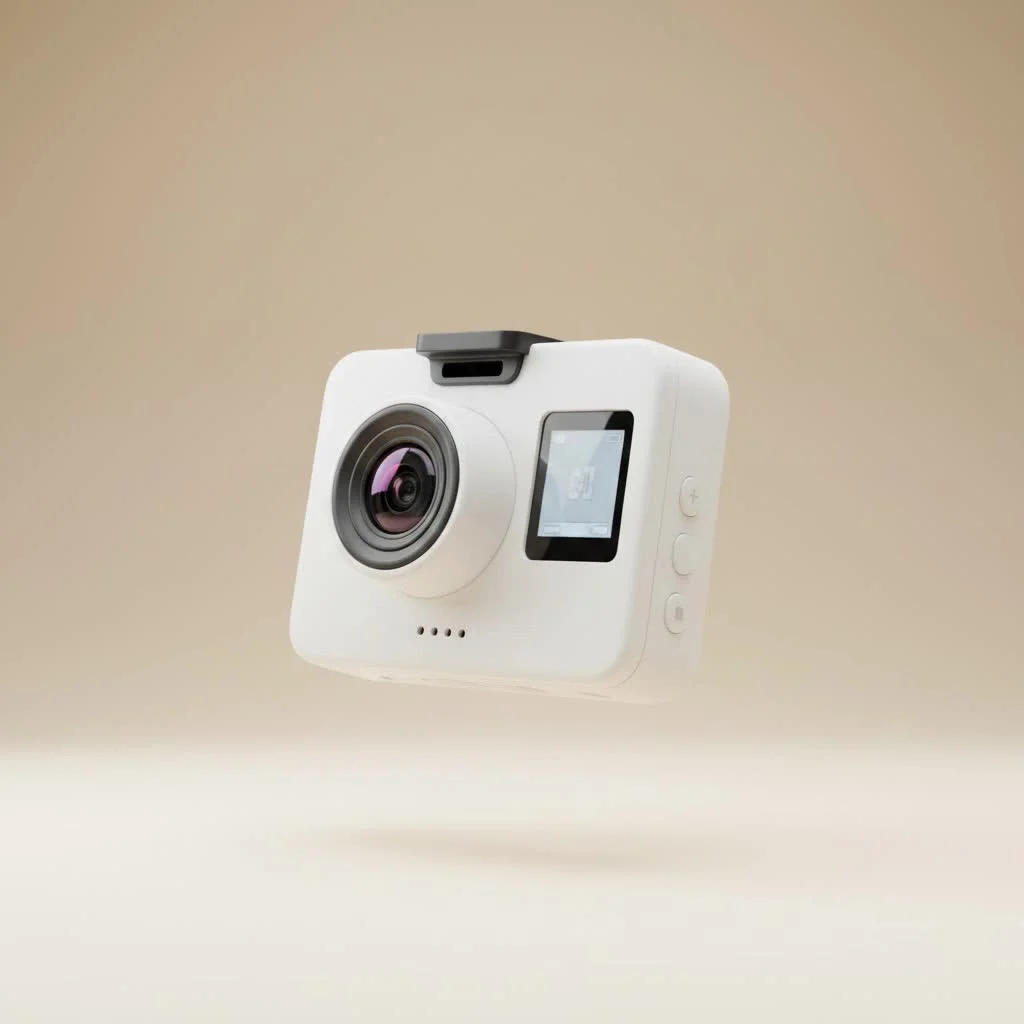
What to Expect from the Best Budget Dash Cam
When you’re shopping on a budget, it’s crucial to distinguish between essential features and nice-to-have extras. A great affordable dash cam prioritizes crystal-clear video and reliability over superfluous functions. You are investing in a safety tool, not a toy. The goal is to find a camera that you can install and forget about, knowing it will be ready to perform when you need it most.
Core Features You Shouldn’t Compromise On
Even at a lower price point, certain features are non-negotiable for a dash cam to be effective.
- Full HD (1080p) Resolution: This is the absolute minimum for capturing essential details like license plates and road signs. While 4K is becoming more common on budget models, a high-quality 1080p or 2K sensor often performs better in low light than a cheap 4K sensor.
- Loop Recording: This is a fundamental dash cam feature. It continuously records and automatically overwrites the oldest files when the memory card is full, ensuring you never miss a moment because you forgot to clear space.
- G-Sensor (Gravity Sensor): The G-sensor detects sudden impacts, like a collision or heavy braking. When triggered, it automatically locks the current video file, preventing it from being overwritten by the loop recording feature. This secures your crucial evidence.
- Decent Low-Light Performance: Accidents don’t just happen in broad daylight. Look for models that specify features like HDR (High Dynamic Range) or mention using quality sensors (like a Sony Starvis sensor) to ensure usable footage at night.
Features You Might Sacrifice on a Budget
To keep costs down, manufacturers often omit advanced features. For most drivers, these are not deal-breakers.
- GPS Logging: This feature embeds your vehicle’s speed and location data into the video file. While useful, it’s often a secondary piece of evidence and not essential for proving fault.
- Advanced Parking Modes: Basic parking modes that record on impact are available, but more sophisticated features like buffered recording (capturing seconds before an event) or time-lapse parking are typically reserved for pricier models.
- Cloud Connectivity: The ability to automatically upload footage to the cloud is a premium feature. Budget cameras rely on Wi-Fi for direct-to-phone transfers.
- Dual-Channel (Front and Rear) Recording: While some budget options offer a second camera, the quality of the rear camera is often significantly lower (e.g., 720p). A high-quality front-facing camera is more valuable than two low-quality ones.
Our Top Picks for the Best Budget Dash Cam in 2025
|
Our Picks for the Best Dash Cam in 2026
As an Amazon Associate I earn from qualifying purchases.
|
||
| Num | Product | Action |
|---|---|---|
| 1 | Dash Cam Front and Rear, 2.5K+1080P Dual Dash Camera for Cars, 2’’ Display Mini Car Camera, G-Sensor Dashcam, Night Vision, 24H Parking Mode, Loop Recording, 170°Wide Angle, 32GB Card Included |

|
| 2 | Dash Cam Front and Rear, 1080P Dash Camera for Cars, 3 Channel Car Camera Front Rear and Inside with 32GB Card, Loop Recording, Night Vision, HDR, 24Hr Parking, G-Sensor |
|
| 3 | REDTIGER 4K Dash Cam Front Rear, STARVIS 2 Sensor, Free Card Included, 5.8GHz WiFi-20MB/s Fast Download, Dash Camera for Cars with GPS, WDR Night Vision, 170°Wide Angle, 24H Parking Mode(F7NP) |
|
| 4 | VIOFO A229 Plus Dash Cam Front and Rear, Dual STARVIS 2 Sensors, 2 Channel HDR, 1440P+1440P Voice Control Car Dash Camera, 5GHz Wi-Fi, Voice Control, Ultra-Precise GPS (SD Card Not Included) |
|
| 5 | Navycrest 4K Dash Cam Front and Rear with 64GB Card, Built-in 5G WiFi, Dash Camera for Cars 4K Front and 1080P Rear, Dashcams for Cars Loop Recording, Gravity Sensor, 24-Hours Parking Mode |
|
| 6 | Dash Cam 1296P Front Dashcam, V300 WiFi Dash Camera for Cars with App, Night Vision, Mini Hidden Single Car Camera, Loop Recording, 24H Parking Mode, Support 256GB Max, Black |
|
| 7 | IIWEY N5 4 Channel Dash Cam 360° View, 1080P Front and Rear Inside, Left Right Dash Camera for Cars, 8 IR Lamps Night Vision, 5G WiFi & APP Control, G-Sensor, Parking Mode, with a Free 128GB SD Card |
|
| 8 | 4K Dash Cam Front, Built-in 5G WiFi, 64GB Card Included, Dash Camera for Cars, Mini Dashcam with Super Night Vision, Loop Recording, G-Sensor, 24 Hours Parking Monitor, Support 256GB Max |
|
| 9 | REDTIGER 4K STARVIS 2 Dash Cam Front and Rear, 5GHz WiFi 20MB/s Download, 128GB Card Included, Voice Control, Dash Camera for Cars with 3.18\" Touch Screen, GPS, Loop Recording, Parking Mode(F7N Touch) |
|
| 10 | ROVE R2-4K DUAL Dash Cam Front and Rear, STARVIS 2 Sensor, FREE 128GB Card Included, 5G WiFi - up to 20MB/s Fastest Download Speed with App, 4K 2160P/FHD Dash Camera for Cars, 3\" IPS, 24H Parking Mode |
|
After extensive testing and review, here are a few models that consistently deliver outstanding value and reliability.
| Model | Resolution | Key Feature | Best For |
|---|---|---|---|
| Viofo A119 Mini 2 | 2K (1440p) | Sony Starvis 2 Sensor | Superior Night Video |
| 70mai M200 | 1080p | Voice Control & Wi-Fi | Tightest Budgets |
| Kingslim D5 | 4K (interpolated) | Built-in GPS | All-in-One Value |
| Rexing V1 | 4K | Supercapacitor | Hot Climates |
How to Choose the Perfect Budget Dash Cam for Your Needs
Selecting the right dash cam comes down to your specific driving habits and environment. Use this checklist to guide your decision.
- [ ] Determine Your Primary Need: Are you a daily commuter mostly driving in daylight, or do you frequently drive at night? Prioritize resolution for day driving and low-light sensor quality for night driving.
- [ ] Consider Your Climate: If you live in a region with extreme heat, choose a dash cam that uses a supercapacitor instead of a lithium-ion battery. Capacitors are far more resistant to heat and have a longer operational lifespan.
- [ ] Check the Field of View (FOV): Look for a lens with a wide viewing angle, typically between 140 and 170 degrees. This ensures you capture multiple lanes of traffic without significant “fisheye” distortion.
- [ ] Factor in the SD Card: Most dash cams do not include a memory card. You must purchase a high-endurance microSD card separately. Budget at least $15-$25 for a reliable card from a reputable brand.
- [ ] Review User Interface and App: Check reviews for comments on the ease of use. A camera with a simple button layout or an intuitive smartphone app will make retrieving footage much less of a hassle.
“Many drivers get fixated on 4K resolution, but the truth is, a high-quality 2K sensor with excellent HDR capabilities will often produce more useful footage at night than an entry-level 4K camera. For budget-conscious buyers, focusing on sensor quality and reliability is the smartest move you can make.” – Jonathan Miles, Lead Automotive Technician at Welmb
Step-by-Step: Installing Your Dash Cam Like a Pro
A professional-looking installation is easily achievable in under 30 minutes with no special tools required.
- Find the Perfect Spot: Position the dash cam behind your rearview mirror. This keeps it out of your line of sight and gives it a clear view of the road. Ensure it doesn’t obstruct any of the car’s built-in safety sensors.
- Clean the Windshield: Use a glass cleaner or an alcohol wipe to clean the mounting area thoroughly. A clean surface ensures the adhesive mount sticks securely.
- Route the Power Cable: This is the key to a clean install. Start by tucking the cable into the headliner above the windshield. Run it across to the passenger side A-pillar.
- Tuck Along the A-Pillar: Gently pry the weather stripping away from the door frame and tuck the cable down along the pillar towards the floor.
- Run Under the Glove Box: Continue tucking the wire under the glove box, securing it with clips if necessary, until you reach the 12V power outlet (cigarette lighter).
- Power On and Adjust: Plug in the power adapter, start the car to power on the dash cam, and adjust the lens angle to capture the road ahead correctly—typically about 60% road and 40% sky.
Frequently Asked Questions (FAQ)
What is the best budget dash cam for night driving?
For night driving on a budget, look for a camera with a Sony Starvis sensor and HDR technology. The 70mai M200 and Viofo A119 Mini 2 are excellent choices known for their strong low-light performance.
How much should I spend on a good budget dash cam?
A great budget dash cam can typically be found in the $50 to $100 range. This price point offers a significant jump in video quality and reliability compared to sub-$50 cameras, without including the premium features of more expensive models.
Can a cheap dash cam drain my car battery?
If plugged into an “always-on” 12V outlet, any dash cam can drain your battery. However, most cars have outlets that turn off with the ignition. For parking mode, it’s recommended to use a hardwire kit with a built-in voltage cutoff to protect your battery.
Do budget dash cams have Wi-Fi?
Yes, many of the best budget dash cam models now come with built-in Wi-Fi. This feature allows you to connect the camera to your smartphone via an app to view, download, and share footage without removing the microSD card.
Is a screen necessary on a dash cam?
A screen is not essential but can be helpful for initial setup and aiming the camera. Many modern compact dash cams are “screenless” and rely entirely on a Wi-Fi app for viewing, which helps them be more discreet.
Your First Step to a Safer Drive
Investing in the best budget dash cam is one of the most practical and powerful decisions you can make for your safety and peace of mind on the road. For a relatively small cost, you gain an impartial witness that works tirelessly to protect you. By focusing on the core features—video quality, reliability, and ease of use—you can find an affordable device that provides immense value. Drive smarter and safer, knowing you have a record of every journey.
Get our weekly buyer guide
Practical specs, not advice. Unsubscribe anytime.