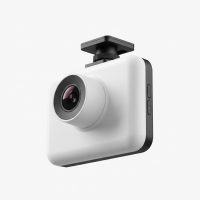
In today’s world, the road can be an unpredictable place. From minor fender benders to more serious collisions, having an unbiased witness is invaluable. That’s where a comprehensive dash cam and rear cam system comes in, providing a complete record of events happening both in front of and behind your vehicle. As a specialist with over 15 years in the automotive tech industry, I’ve seen firsthand how these devices have evolved from niche gadgets to essential tools for the modern driver. This guide is designed to walk you through everything you need to know about choosing, installing, and getting the most out of your dual-camera setup.
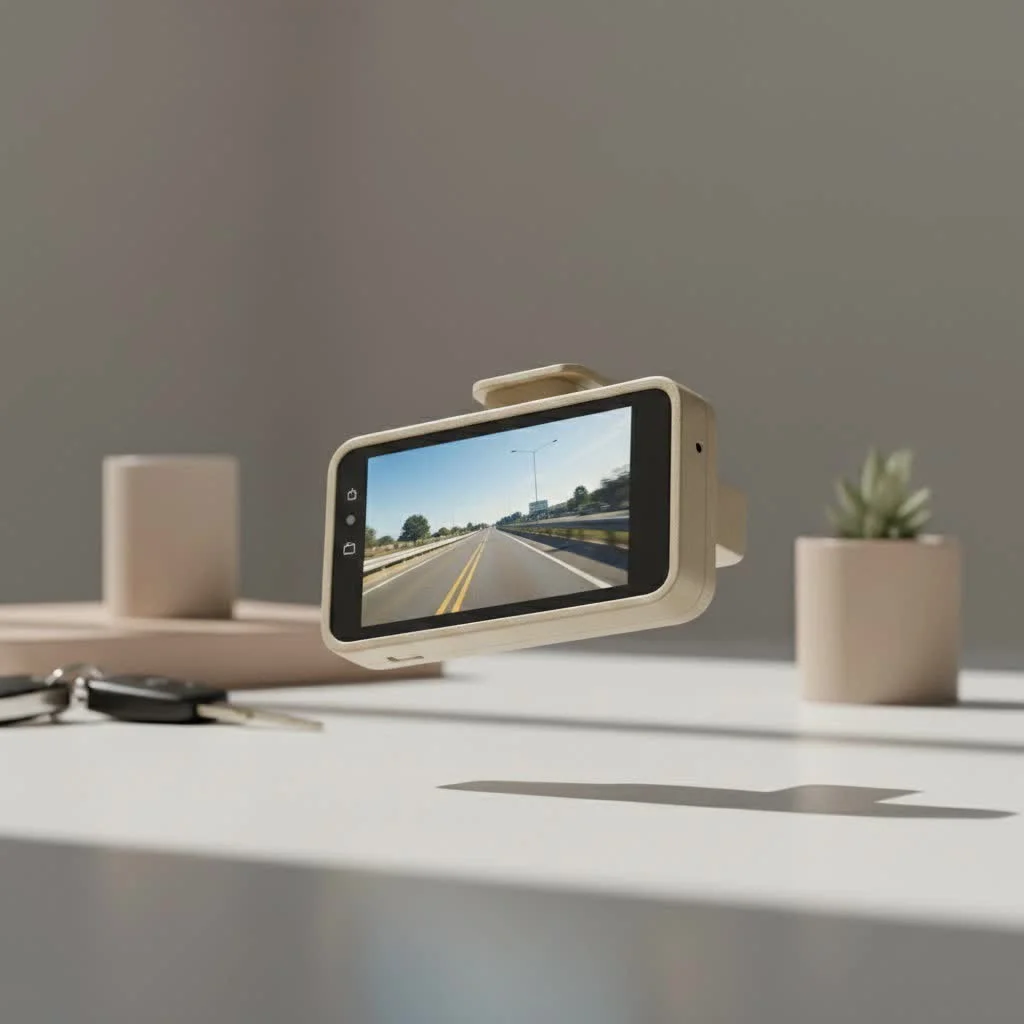
A dual-channel system, often called a front and rear dash cam, captures footage from two perspectives simultaneously. The front camera monitors the road ahead, while a smaller, secondary camera records the view through your rear windshield. This setup ensures you have comprehensive evidence for any situation, from rear-end collisions—which account for nearly a third of all accidents—to parking lot hit-and-runs. For compare top automotive dash on this site.
Why a Dash Cam and Rear Cam is a Smart Investment
If you’re wondering whether a dual-camera system is worth the extra cost, the answer is a resounding yes. The peace of mind and protection offered far outweigh the initial investment. A complete setup provides a 360-degree view of your surroundings, leaving no blind spots.
Here are the primary benefits of installing a front and rear dash cam:
- Irrefutable Accident Evidence: The most significant advantage is capturing clear, unbiased evidence in the event of an accident. Footage from a dash cam and rear cam can prove you were not at fault, especially in common scenarios like rear-end collisions or sideswipes, saving you from lengthy disputes and false accusations.
- Protection Against Insurance Fraud: Staged accidents, where fraudsters intentionally cause a collision to make a false claim, are a growing problem. A dual-camera system deters this behavior and provides the evidence needed to expose fraudulent claims.
- Enhanced Parking Security: Many modern dash cams feature a “parking mode.” This function uses motion detection or G-sensors to automatically start recording if your vehicle is bumped or tampered with while parked. This can be crucial for identifying vandals or hit-and-run drivers.
- Deterring Aggressive Drivers: Having a visible camera can discourage tailgating and other forms of aggressive driving from those behind you. The footage can also be used to report reckless drivers to the authorities if necessary.
“In my experience, the moment a driver realizes they need a rear camera is usually right after an incident they couldn’t prove. A dual-channel dash cam is one of the most effective, proactive safety tools a car owner can install,” notes James Peterson, a veteran auto electronics specialist.
How to Choose the Best Dash Cam and Rear Cam
With so many options on the market, selecting the right system can feel overwhelming. Focus on the features that matter most for capturing clear, reliable footage.
Key Features to Look For
|
Our Picks for the Best Dash Cam in 2026
As an Amazon Associate I earn from qualifying purchases.
|
||
| Num | Product | Action |
|---|---|---|
| 1 | 4K Dash Cam Front, Built-in 5G WiFi, 64GB Card Included, Dash Camera for Cars, Mini Dashcam with Super Night Vision, Loop Recording, G-Sensor, 24 Hours Parking Monitor, Support 256GB Max |

|
| 2 | Navycrest 4K Dash Cam Front and Rear with 64GB Card, Built-in 5G WiFi, Dash Camera for Cars 4K Front and 1080P Rear, Dashcams for Cars Loop Recording, Gravity Sensor, 24-Hours Parking Mode |
|
| 3 | IIWEY N5 4 Channel Dash Cam 360° View, 1080P Front and Rear Inside, Left Right Dash Camera for Cars, 8 IR Lamps Night Vision, 5G WiFi & APP Control, G-Sensor, Parking Mode, with a Free 128GB SD Card |
|
| 4 | Dash Cam 1296P Front Dashcam, V300 WiFi Dash Camera for Cars with App, Night Vision, Mini Hidden Single Car Camera, Loop Recording, 24H Parking Mode, Support 256GB Max, Black |
|
| 5 | REDTIGER 4K STARVIS 2 Dash Cam Front and Rear, 5GHz WiFi 20MB/s Download, 128GB Card Included, Voice Control, Dash Camera for Cars with 3.18\" Touch Screen, GPS, Loop Recording, Parking Mode(F7N Touch) |
|
| 6 | Dash Cam Front and Rear, 2.5K+1080P Dual Dash Camera for Cars, 2’’ Display Mini Car Camera, G-Sensor Dashcam, Night Vision, 24H Parking Mode, Loop Recording, 170°Wide Angle, 32GB Card Included |
|
| 7 | ROVE R2-4K DUAL Dash Cam Front and Rear, STARVIS 2 Sensor, FREE 128GB Card Included, 5G WiFi - up to 20MB/s Fastest Download Speed with App, 4K 2160P/FHD Dash Camera for Cars, 3\" IPS, 24H Parking Mode |
|
| 8 | VIOFO A229 Plus Dash Cam Front and Rear, Dual STARVIS 2 Sensors, 2 Channel HDR, 1440P+1440P Voice Control Car Dash Camera, 5GHz Wi-Fi, Voice Control, Ultra-Precise GPS (SD Card Not Included) |
|
| 9 | REDTIGER 4K Dash Cam Front Rear, STARVIS 2 Sensor, Free Card Included, 5.8GHz WiFi-20MB/s Fast Download, Dash Camera for Cars with GPS, WDR Night Vision, 170°Wide Angle, 24H Parking Mode(F7NP) |
|
| 10 | Dash Cam Front and Rear, 1080P Dash Camera for Cars, 3 Channel Car Camera Front Rear and Inside with 32GB Card, Loop Recording, Night Vision, HDR, 24Hr Parking, G-Sensor |
|
- Video Quality and Resolution: High resolution is non-negotiable. Look for a front camera that records in at least 1440p (QHD) or 4K (UHD), and a rear camera with a minimum of 1080p (Full HD). Clear footage is essential for capturing critical details like license plates, day or night.
- Wide Viewing Angle: A wide field of view (FOV) ensures the camera captures more of the scene. Aim for a lens with a viewing angle between 140 and 170 degrees. This provides broad coverage of multiple lanes without distorting the image too much.
- Night Vision: Superior low-light performance is critical, as many incidents occur at night. Look for cameras with high-quality sensors (like Sony STARVIS) and a wide aperture (e.g., f/1.6) to ensure clear recordings in the dark.
- G-Sensor: An integrated G-sensor detects sudden impacts, such as from a collision or a pothole. When triggered, it automatically locks the current video file, preventing it from being overwritten by the loop recording feature.
- Loop Recording: This is a standard feature that continuously records video, overwriting the oldest files when the memory card is full. This ensures you never run out of storage space and the camera is always recording.
- GPS Functionality: An embedded GPS module logs your vehicle’s speed and location, stamping this data onto the video footage. This can provide crucial context for accident evidence.
- Parking Mode: For 24/7 surveillance, parking mode is essential. This requires the dash cam to be hardwired to the car’s battery or connected to an external battery pack to provide constant power without draining your main car battery.
A Step-by-Step Guide to Installation
While professional installation is always an option, many drivers can install a dash cam and rear cam system themselves with a bit of patience.
- Mount the Front Camera: Position the main camera on the windshield, typically behind the rearview mirror. This placement keeps it out of your line of sight while providing a clear view of the road.
- Route the Power Cable: Run the power cable from the front camera to your car’s 12V power outlet (cigarette lighter). Tuck the wire neatly along the headliner, down the A-pillar, and under the dashboard for a clean, professional look.
- Position the Rear Camera: Mount the rear camera at the top center of your rear windshield. Ensure the lens has an unobstructed view and is not blocked by defrost lines if possible.
- Connect the Rear Camera: Run the connecting cable from the rear camera to the front unit. This is often the most time-consuming part. You will need to hide the wire along the headliner, passing through the C-pillars, until it reaches the front camera.
- Power Up and Test: Insert a high-endurance microSD card, start your car to power on the system, and check the live view from both cameras on the device’s screen or via its mobile app. Adjust the angles to ensure optimal coverage.
For features like parking mode, a hardwiring kit is necessary. This connects the dash cam directly to your car’s fuse box. If you are not comfortable with vehicle electronics, it’s best to have this done by a professional.
Frequently Asked Questions (FAQ)
Is a rear dash cam really necessary?
Absolutely. While a front camera captures events ahead, a rear camera is your only witness for rear-end collisions, tailgating incidents, and parking mishaps that occur behind you. It provides complete, all-around protection.
Will a dash cam drain my car’s battery?
If plugged into a 12V socket that turns off with the ignition, it won’t drain the battery. For parking mode that runs 24/7, a hardwiring kit with a built-in voltage cutoff is essential to prevent the camera from draining your battery completely.
How much video can a microSD card hold?
This depends on the card’s capacity and the camera’s resolution. A 64GB card can typically hold 5-8 hours of 1080p footage from both cameras before loop recording begins. Always use a high-endurance microSD card designed for continuous rewriting.
Can I use any dash cam as a rear camera?
While technically possible, it’s not recommended. Rear-specific cameras are designed to be more compact and often have features optimized for rear-view challenges, like glare from headlights. A dual-channel system ensures seamless, synchronized recording.
Do I need to inform passengers that they are being recorded?
Laws vary by region. In many places, you are required to inform passengers if you have a cabin-view camera that records audio and video inside the car. For exterior-facing cameras, this is generally not a requirement, but it’s always wise to check local regulations.
Final Thoughts: Your Second Set of Eyes on the Road
Investing in a high-quality dash cam and rear cam system is one of the smartest decisions you can make for your safety and financial protection. It serves as your silent, impartial witness, ready to provide a crystal-clear account of any incident on the road. By choosing a system with the right features and ensuring it’s installed correctly, you gain invaluable peace of mind every time you get behind the wheel. Drive safer, drive smarter, and never leave your protection to chance.
Get our weekly buyer guide
Practical specs, not advice. Unsubscribe anytime.