The Garmin Dash Cam 57 is a premium, ultra-compact dash cam that delivers 1440p HD video at 60 frames per second, integrated GPS, and reliable voice control, making it an excellent choice for drivers prioritizing discreet design and advanced features. This device stands out for its Garmin Clarity™ HDR technology, which significantly enhances video quality in challenging lighting conditions, ensuring clear footage day or night. Its small size allows it to be easily hidden behind a rearview mirror, providing a “set it and forget it” experience.
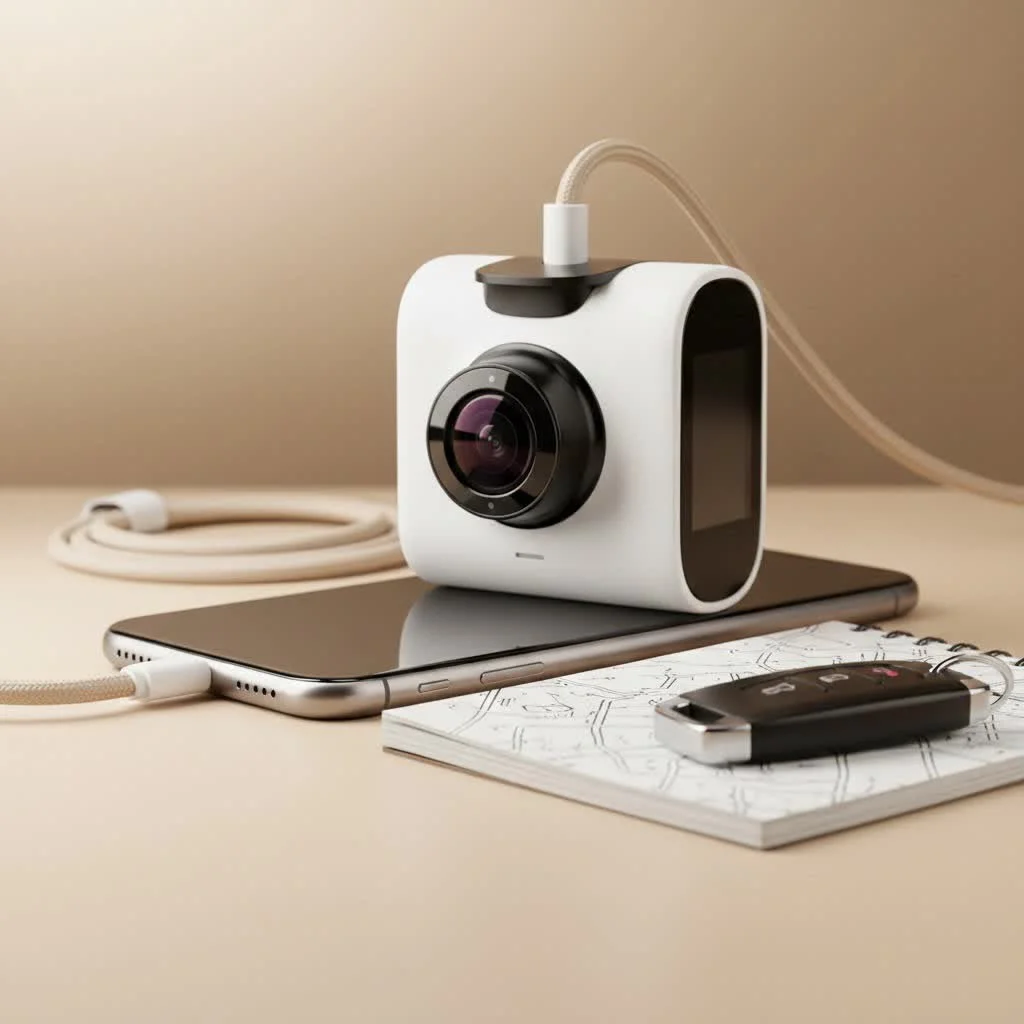
As the founder of Welmb.com, I’ve put this camera through its paces to give you the real story. This isn’t just about reading a spec sheet; it’s about understanding how the Garmin Dash Cam 57 performs on the road, where it truly matters. We’ll dive deep into its video quality, smart features, and overall value to help you decide if this is the right co-pilot for your vehicle. For more automotive dash guides on this site.
What Makes the Garmin Dash Cam 57 Stand Out?
The Garmin Dash Cam 57 is designed for the driver who wants a “set it and forget it” device that doesn’t compromise on quality. It’s incredibly small, easily hiding behind your rearview mirror, yet it’s packed with technology typically found in larger, more complex units.
Core Specifications at a Glance:
- Video Resolution: 1440p HD Video
- Frame Rate: Up to 60 FPS
- Field of View: 140 degrees
- HDR: Garmin Clarity™ HDR for enhanced detail in low light
- GPS: Fully integrated for location and speed data
- Voice Control: Yes, for hands-free operation
- Connectivity: Wi-Fi and Bluetooth for app connection
- Driver Aids: Forward Collision and Lane Departure Warnings
A Deeper Look at the Key Features
A list of features is one thing, but how they translate to real-world performance is what counts. Let’s break down what makes this dash cam tick.
Excellent Video Quality: 1440p and Clarity HDR
The primary job of any dash cam is to record clear, usable footage. The Garmin Dash Cam 57 excels here with its 1440p resolution, which is a significant step up from standard 1080p. In practice, this means you can more easily read license plates and street signs, which is crucial in the event of an incident.
Where it really shines is with the Garmin Clarity™ HDR technology. This feature is a major upgrade for driving in challenging lighting conditions.
- Night Driving: It balances the bright glare from headlights and streetlights against the dark shadows, revealing details that would otherwise be lost.
- Day Driving: It prevents the sky from being overexposed and the road from being too dark when driving in and out of shadows or tunnels.
“In my experience, a camera’s low-light performance is what separates the good from the great. The HDR on the Garmin 57 ensures that footage recorded at dusk or dawn is just as clear as footage from midday,” notes automotive electronics expert, David Chen.
Voice Control That Actually Works
|
Our Picks for the Best Dash Cam in 2026
As an Amazon Associate I earn from qualifying purchases.
|
||
| Num | Product | Action |
|---|---|---|
| 1 | Navycrest 4K Dash Cam Front and Rear with 64GB Card, Built-in 5G WiFi, Dash Camera for Cars 4K Front and 1080P Rear, Dashcams for Cars Loop Recording, Gravity Sensor, 24-Hours Parking Mode |

|
| 2 | ROVE R2-4K DUAL Dash Cam Front and Rear, STARVIS 2 Sensor, FREE 128GB Card Included, 5G WiFi - up to 20MB/s Fastest Download Speed with App, 4K 2160P/FHD Dash Camera for Cars, 3\" IPS, 24H Parking Mode |
|
| 3 | REDTIGER 4K STARVIS 2 Dash Cam Front and Rear, 5GHz WiFi 20MB/s Download, 128GB Card Included, Voice Control, Dash Camera for Cars with 3.18\" Touch Screen, GPS, Loop Recording, Parking Mode(F7N Touch) |
|
| 4 | REDTIGER 4K Dash Cam Front Rear, STARVIS 2 Sensor, Free Card Included, 5.8GHz WiFi-20MB/s Fast Download, Dash Camera for Cars with GPS, WDR Night Vision, 170°Wide Angle, 24H Parking Mode(F7NP) |
|
| 5 | Dash Cam Front and Rear, 2.5K+1080P Dual Dash Camera for Cars, 2’’ Display Mini Car Camera, G-Sensor Dashcam, Night Vision, 24H Parking Mode, Loop Recording, 170°Wide Angle, 32GB Card Included |
|
| 6 | VIOFO A229 Plus Dash Cam Front and Rear, Dual STARVIS 2 Sensors, 2 Channel HDR, 1440P+1440P Voice Control Car Dash Camera, 5GHz Wi-Fi, Voice Control, Ultra-Precise GPS (SD Card Not Included) |
|
| 7 | Dash Cam Front and Rear, 1080P Dash Camera for Cars, 3 Channel Car Camera Front Rear and Inside with 32GB Card, Loop Recording, Night Vision, HDR, 24Hr Parking, G-Sensor |
|
| 8 | 4K Dash Cam Front, Built-in 5G WiFi, 64GB Card Included, Dash Camera for Cars, Mini Dashcam with Super Night Vision, Loop Recording, G-Sensor, 24 Hours Parking Monitor, Support 256GB Max |
|
| 9 | Dash Cam 1296P Front Dashcam, V300 WiFi Dash Camera for Cars with App, Night Vision, Mini Hidden Single Car Camera, Loop Recording, 24H Parking Mode, Support 256GB Max, Black |
|
| 10 | IIWEY N5 4 Channel Dash Cam 360° View, 1080P Front and Rear Inside, Left Right Dash Camera for Cars, 8 IR Lamps Night Vision, 5G WiFi & APP Control, G-Sensor, Parking Mode, with a Free 128GB SD Card |
|
One of the standout features is the robust voice control. By simply saying “OK, Garmin,” you can command the device without ever taking your hands off the wheel. This is more than a novelty; it’s a critical safety feature.
Useful Voice Commands Include:
- “Save video” to protect the current recording from being overwritten.
- “Take a picture” to capture a still image.
- “Turn audio on/off” to control audio recording.
This hands-free capability is incredibly reliable and makes interacting with the dash cam safe and intuitive while driving.
Smart Features and Driver Aids
Garmin leverages its GPS expertise to offer more than just basic recording. The built-in GPS automatically geotags your footage with location, speed, and time data, providing irrefutable context for your recordings.
The Garmin Dash Cam 57 includes a suite of Advanced Driver-Assistance Systems (ADAS):
- Forward Collision Warning: Alerts you if you’re driving too closely to the vehicle ahead.
- Lane Departure Warning: Notifies you if you drift out of your lane.
- “Go” Alert: A helpful chime to let you know when traffic ahead of you has started moving.
While these features are a great addition, they can sometimes be overly sensitive in dense city traffic. Fortunately, they can be easily adjusted or turned off in the settings to suit your preference.
Parking Guard and Live View Monitoring
For protection when you’re away from your vehicle, the Parking Guard feature automatically starts recording if it detects an incident, like a bump or impact. To use this feature effectively, you’ll need a constant power source, which requires the Garmin Constant Power Cable (sold separately).
The Live View feature allows you to remotely check on your car from your smartphone, provided both your phone and the dash cam are connected to a trusted Wi-Fi network. This can provide peace of mind, though its practical use is limited to situations like being parked in your home driveway.
The Garmin Drive App Experience
Connecting the dash cam to the Garmin Drive app on your smartphone is straightforward thanks to the built-in Wi-Fi and Bluetooth. The app is your central hub for managing the device.
Within the app, you can:
- View and Download Footage: Easily access all your recordings and save important clips directly to your phone.
- Adjust Settings: Change video resolution, toggle driver alerts, and configure other settings without touching the camera itself.
- Use Vault Storage: Saved clips are automatically uploaded to the secure online Vault, where they are stored for 24 hours for free. Extended storage plans are also available.
- Sync Multiple Cameras: If you have multiple Garmin dash cams (e.g., front and rear), the app can sync the video from up to four cameras to provide a comprehensive picture-in-picture view of an incident.
How does it Compare to Competitors?
| Feature | Garmin Dash Cam 57 | VIOFO A119 V3 | Nextbase 522GW |
|---|---|---|---|
| Max Resolution | 1440p @ 60fps | 1600p @ 30fps | 1440p @ 30fps |
| Voice Control | Yes | No | Yes (Alexa) |
| GPS | Built-in | Optional Mount | Built-in |
| Screen Size | 2.0″ LCD | 2.0″ LCD | 3.0″ HD IPS |
| Unique Feature | Ultra-compact size | Buffered Parking Mode | Emergency SOS |
The Garmin Dash Cam 57 holds its own by offering a complete, user-friendly package from a highly reputable brand. While a competitor like the VIOFO A119 V3 might offer slightly higher resolution, it lacks the polish of voice controls and the integrated software experience that Garmin provides.
Frequently Asked Questions (FAQ)
What type of memory card does the Garmin Dash Cam 57 require?It requires a microSD card of at least 8 GB, Class 10 or faster. For best performance with 1440p recording, it is recommended to use a high-endurance card designed for dash cams, with a capacity of up to 512 GB.
Does the Garmin 57 record audio?Yes, it has a built-in microphone to record audio inside the vehicle. You can easily disable audio recording with a voice command or through the settings menu if you prefer.
How is the dash cam powered?The dash cam is powered by the included 12V vehicle power cable. It has a small internal battery designed to save the last video file when power is lost, but it is not intended for operation without being plugged in.
Can the Garmin Dash Cam 57 be used as a rear camera?While you could mount it on your rear window, it is designed as a standalone front-facing camera. For a true front-and-rear setup, you might consider the Garmin Dash Cam Tandem or syncing multiple Garmin cameras through the Drive app.
The Final Verdict: Is It the Right Dash Cam for You?
After extensive testing, the Garmin Dash Cam 57 proves to be an exceptional choice for the vast majority of drivers. Its blend of high-quality video, genuinely useful smart features, and an incredibly discreet design makes it a top contender in its class. The voice control is best-in-class, and the user experience, from installation to saving footage via the app, is seamless.
This dash cam is perfect for you if:
- You value a compact and unobtrusive design.
- You want a simple, user-friendly device from a trusted brand.
- Hands-free voice control is a priority for you.
- You want the added context of built-in GPS and driver alerts.
While it may be priced slightly higher than some alternatives, the reliability, feature set, and polished software experience offered by the Garmin Dash Cam 57 make it a worthwhile investment for securing your peace of mind on the road.
Frequently Asked Questions
What type of memory card is required for the Garmin Dash Cam 57?
The Garmin Dash Cam 57 requires a microSD card of at least 8 GB, Class 10 or faster. For optimal performance with 1440p recording, a high-endurance card designed for dash cams, with a capacity of up to 512 GB, is recommended.
Does the Garmin Dash Cam 57 have the ability to record audio?
Yes, the Garmin Dash Cam 57 includes a built-in microphone that records audio inside the vehicle. Users can easily disable audio recording through a voice command or by adjusting the settings menu if they prefer not to record sound.
How is the Garmin Dash Cam 57 typically powered in a vehicle?
The Garmin Dash Cam 57 is powered by the included 12V vehicle power cable, connecting to your car's power outlet. It contains a small internal battery primarily for saving the final video file if power is unexpectedly lost, and is not designed for continuous operation without being plugged in.
Can the Garmin Dash Cam 57 be effectively used as a rear-facing camera?
While it is technically possible to mount the Garmin Dash Cam 57 on a rear window, it is primarily designed as a standalone front-facing camera. For a comprehensive front-and-rear recording solution, consider dedicated dual dash cam systems like the Garmin Dash Cam Tandem or syncing multiple Garmin cameras via the Drive app.
What are the key advantages of the Garmin Clarity HDR feature?
Garmin Clarity HDR technology significantly improves video quality in challenging lighting conditions, such as night driving or transitioning between bright and dark areas. It balances extreme contrasts, preventing overexposure of bright lights and underexposure of shadows, ensuring crucial details like license plates are visible in footage recorded at dusk or dawn.
Get our weekly buyer guide
Practical specs, not advice. Unsubscribe anytime.
This dash cam is pretty good. The voice control feature is a game-changer for me; it’s so much safer than fumbling with buttons while driving. My only minor gripe is that the initial setup took a little longer than I expected to get everything just right. But once it’s set, it’s a ‘set it and forget it’ kind of device.
I’ve been using the Garmin Dash Cam 57 for a few weeks now, and I’m really impressed. The 1440p video quality is super clear, even when I’m driving at night thanks to that Clarity HDR. It’s so small, you barely notice it behind my mirror, which is exactly what I wanted. Definitely a solid upgrade from my old dash cam.
Seriously love this little camera! The 60 frames per second makes a huge difference in how smooth the footage looks, especially when reviewing incidents. It feels really premium, and the advanced features like incident detection work flawlessly. Worth every penny for the peace of mind it provides.
I got the Garmin Dash Cam 57 because I heard good things about its compact design. It is indeed very discreet, which I appreciate. However, I found the GPS tracking to be a bit inconsistent at times, especially when I’m in areas with a lot of tall buildings. It’s not a deal-breaker, but something to be aware of if precise location data is critical for you.