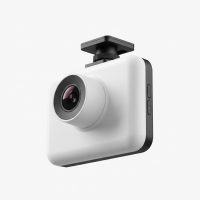
Are you truly seeing the full picture when you drive? A standard dash cam is great for recording what happens in front of you, but accidents, break-ins, and parking lot mishaps don’t always happen where you can see them. This is where a 360 car dash cam changes the game entirely. It offers a complete, panoramic view around your vehicle, ensuring that no angle is left unrecorded. As an expert with over 15 years of hands-on experience with automotive technology, I’m here to guide you through everything you need to know about these revolutionary devices.
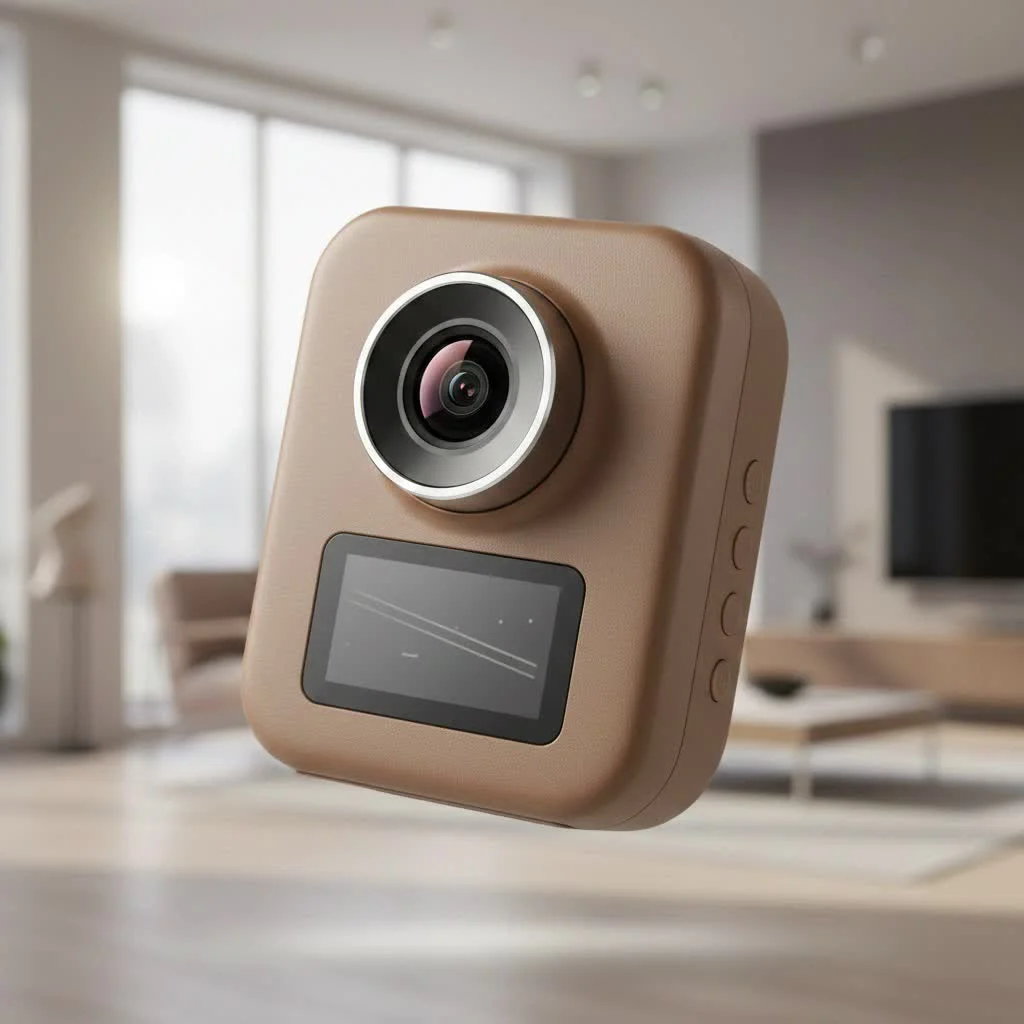
At Welmb, we believe in empowering drivers with knowledge. This guide will break down how 360-degree cameras work, what features are non-negotiable, and how to choose the perfect model for your needs, ensuring you drive with ultimate peace of mind.
What is a 360 Car Dash Cam and How Does It Work?
A 360 car dash cam is a sophisticated surveillance system designed to capture a complete, spherical view of your car’s surroundings. Unlike traditional single or dual-lens cameras that only cover the front and rear, these systems eliminate blind spots, providing a seamless, all-around recording.
But how do they achieve this “bubble” of coverage? There are primarily two methods:
- Dual-Lens Fisheye System: This is the most common design. The unit typically consists of two ultra-wide-angle (fisheye) lenses, each capturing a 180-degree or wider field of view. The camera’s internal processor then “stitches” these two video feeds together in real-time, creating a single, spherical 360-degree video.
- Multi-Camera Systems: More common in factory-installed systems, this setup uses four or more cameras placed strategically around the vehicle (e.g., front grille, side mirrors, rear bumper). The feeds are combined to generate a bird’s-eye or 3D top-down view, which is especially useful for parking and low-speed maneuvers.
The result is a comprehensive video file where you can pan and look around in any direction during playback, much like using Google Street View.
Key Features to Look For in a 360 Dash Cam
Choosing the right device can feel overwhelming with all the technical jargon. Let’s cut through the noise and focus on the features that truly matter for a 360 car dash cam.
### Video Resolution and Clarity
For a 360-degree view, resolution is paramount. Since the image is stretched over a much wider area, a higher resolution is needed to maintain clarity for important details like license plates or faces. Look for models offering at least 4K (2160p) resolution. Anything less may result in a soft, pixelated image when you zoom in.
### Advanced Night Vision
|
Our Picks for the Best Dash Cam in 2026
As an Amazon Associate I earn from qualifying purchases.
|
||
| Num | Product | Action |
|---|---|---|
| 1 | VIOFO A229 Plus Dash Cam Front and Rear, Dual STARVIS 2 Sensors, 2 Channel HDR, 1440P+1440P Voice Control Car Dash Camera, 5GHz Wi-Fi, Voice Control, Ultra-Precise GPS (SD Card Not Included) |

|
| 2 | REDTIGER 4K STARVIS 2 Dash Cam Front and Rear, 5GHz WiFi 20MB/s Download, 128GB Card Included, Voice Control, Dash Camera for Cars with 3.18\" Touch Screen, GPS, Loop Recording, Parking Mode(F7N Touch) |
|
| 3 | Dash Cam Front and Rear, 1080P Dash Camera for Cars, 3 Channel Car Camera Front Rear and Inside with 32GB Card, Loop Recording, Night Vision, HDR, 24Hr Parking, G-Sensor |
|
| 4 | Dash Cam 1296P Front Dashcam, V300 WiFi Dash Camera for Cars with App, Night Vision, Mini Hidden Single Car Camera, Loop Recording, 24H Parking Mode, Support 256GB Max, Black |
|
| 5 | 4K Dash Cam Front, Built-in 5G WiFi, 64GB Card Included, Dash Camera for Cars, Mini Dashcam with Super Night Vision, Loop Recording, G-Sensor, 24 Hours Parking Monitor, Support 256GB Max |
|
| 6 | IIWEY N5 4 Channel Dash Cam 360° View, 1080P Front and Rear Inside, Left Right Dash Camera for Cars, 8 IR Lamps Night Vision, 5G WiFi & APP Control, G-Sensor, Parking Mode, with a Free 128GB SD Card |
|
| 7 | Navycrest 4K Dash Cam Front and Rear with 64GB Card, Built-in 5G WiFi, Dash Camera for Cars 4K Front and 1080P Rear, Dashcams for Cars Loop Recording, Gravity Sensor, 24-Hours Parking Mode |
|
| 8 | Dash Cam Front and Rear, 2.5K+1080P Dual Dash Camera for Cars, 2’’ Display Mini Car Camera, G-Sensor Dashcam, Night Vision, 24H Parking Mode, Loop Recording, 170°Wide Angle, 32GB Card Included |
|
| 9 | ROVE R2-4K DUAL Dash Cam Front and Rear, STARVIS 2 Sensor, FREE 128GB Card Included, 5G WiFi - up to 20MB/s Fastest Download Speed with App, 4K 2160P/FHD Dash Camera for Cars, 3\" IPS, 24H Parking Mode |
|
| 10 | REDTIGER 4K Dash Cam Front Rear, STARVIS 2 Sensor, Free Card Included, 5.8GHz WiFi-20MB/s Fast Download, Dash Camera for Cars with GPS, WDR Night Vision, 170°Wide Angle, 24H Parking Mode(F7NP) |
|
Incidents don’t just happen in broad daylight. Superior night vision is crucial. Look for cameras equipped with high-quality sensors, such as Sony’s STARVIS, which are specifically designed for low-light conditions. Features like Wide Dynamic Range (WDR) also help balance the light and dark areas of a scene, preventing overexposure from headlights or underexposure in shadows.
### Intelligent Parking Mode
This is arguably one of the most significant advantages of a 360-degree system. A robust parking mode provides 24/7 surveillance when your car is unattended. Key features to look for include:
- Impact Detection: The G-sensor detects a collision or impact and automatically saves the relevant footage in a protected folder.
- Motion Detection: The camera starts recording when it senses movement around the vehicle, catching potential thieves or vandals before they act.
- Time-Lapse Recording: This condenses hours of footage into a short video, saving storage space while still providing a continuous record.
Expert Tip: For parking mode to function correctly, the dash cam needs to be hardwired to your car’s battery. I always recommend professional installation to avoid any electrical issues and ensure a clean, wire-free setup.
### GPS and Connectivity
Built-in GPS is essential for logging your vehicle’s location, speed, and route. This data is invaluable as evidence in an insurance claim or legal dispute. Furthermore, Wi-Fi and Bluetooth connectivity allow you to easily connect the dash cam to your smartphone. Through a dedicated app, you can view live footage, manage settings, and download recordings without needing to remove the SD card.
Step-by-Step Installation Guide
While professional installation is recommended, many enthusiasts prefer a DIY approach. Here is a simplified guide to installing a typical dual-lens 360 car dash cam.
- Choose the Mounting Location: The best spot is usually behind the rearview mirror. This placement is central, out of your direct line of sight, and provides an optimal view for both lenses.
- Clean the Windshield: Use an alcohol wipe to thoroughly clean the area where the adhesive mount will be placed. This ensures a strong, lasting bond.
- Attach the Mount and Camera: Peel the protective film from the adhesive pad and press the mount firmly onto the glass. Attach the dash cam to the mount.
- Route the Power Cable: This is the most time-consuming part. Carefully tuck the power cable into the headliner, down the A-pillar, under the glove compartment, and finally to the 12V power outlet or fuse box for hardwiring.
- Connect Power: Plug the adapter into your car’s cigarette lighter socket or complete the hardwiring process according to the kit’s instructions.
- Format the SD Card and Configure Settings: Insert a high-endurance microSD card. Power on the camera and use the mobile app to format the card and configure settings like resolution, loop recording time, and G-sensor sensitivity.
Common Problems and How to Troubleshoot Them
Even the best technology can have hiccups. Here are some common issues you might encounter with a 360 car dash cam and how to solve them.
- Camera Won’t Power On: Check the power cable connections at both the camera and the power source. If hardwired, ensure the correct fuses were used.
- Gaps in Recording: This is often caused by a faulty or slow microSD card. Always use a high-endurance Class 10/U3 card from a reputable brand designed for constant rewriting.
- Poor Video Quality: Ensure the lens is clean and the protective film has been removed. Check the video resolution settings in the app.
- Parking Mode Not Working: This is almost always a power issue. The hardwire kit must be installed correctly to provide constant power when the ignition is off.
As our in-house automotive electronics specialist, David Chen, often says, “Nine times out of ten, dash cam issues trace back to either the power supply or the memory card. Always start your troubleshooting there.”
Frequently Asked Questions (FAQ)
### Are 360 car dash cams worth the extra cost?
Absolutely. While they have a higher initial cost, the complete coverage they provide offers unparalleled security. They are invaluable for capturing hit-and-runs in parking lots, side-swipe accidents, and break-in attempts that a standard camera would miss.
### Can a 360 dash cam drain my car battery?
If a hardwire kit with voltage protection is used, the risk is minimal. These kits are designed to monitor your car battery’s voltage and will automatically shut off the dash cam before the battery level gets too low to start the engine.
### How much video can a microSD card hold?
This depends on the card’s capacity and the camera’s recording resolution. For a 4K 360 car dash cam, a 128GB card will typically hold around 8-12 hours of continuous footage before loop recording begins to overwrite the oldest files.
### Do these cameras record audio inside the car?
Yes, most 360 dash cams have a built-in microphone to record audio inside the cabin. This feature can usually be disabled in the settings if you have privacy concerns.
### Will a 360 dash cam lower my insurance premium?
While not guaranteed, many insurance companies offer discounts for vehicles equipped with dash cams. The comprehensive evidence a 360-degree camera provides can also expedite the claims process, making it a valuable tool for both you and your insurer.
Drive Smarter with a Complete View
Investing in a 360 car dash cam is more than just buying a gadget; it’s an investment in your safety, security, and peace of mind. It acts as an impartial witness that never blinks, capturing every angle in stunning detail. From daily commuting to safeguarding your vehicle while it’s parked, the comprehensive coverage ensures you are protected from every direction. Take the next step in vehicle security and equip your car with the ultimate eyewitness.
Get our weekly buyer guide
Practical specs, not advice. Unsubscribe anytime.