When you think about a dash cam, you probably picture a small camera mounted on your windshield, dutifully recording the road ahead. But what about the road behind you? As a dash cam specialist with over 15 years of experience at Welmb, I’ve seen countless incidents where the most critical footage came from a Rear Dash Cam. Ignoring what’s happening behind your vehicle is like leaving your back door unlocked. It exposes you to risks that a forward-facing camera simply can’t cover, from rear-end collisions to parking lot hit-and-runs.
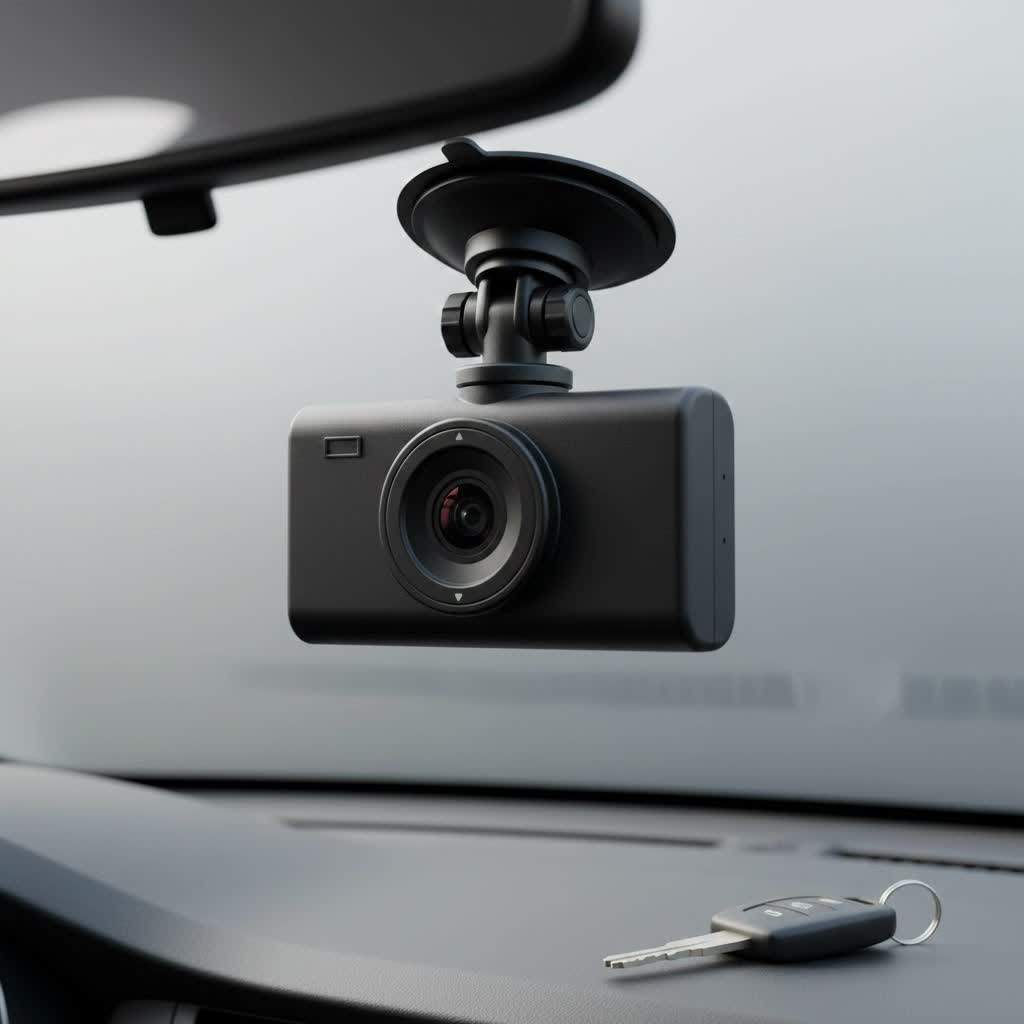
In this comprehensive guide, we’ll explore why a rear-facing camera isn’t just a luxury—it’s an essential component of a complete vehicle security system. We’ll cover how to choose the right one, what features matter most, and how to get it installed, ensuring you have 360-degree peace of mind every time you drive.
What is a Rear Dash Cam and Why Do You Need One?
A rear dash cam is a camera mounted on your vehicle’s rear window, tasked with recording everything that happens behind you. It operates in tandem with your front camera, providing a complete picture of any incident. These cameras typically come in two main configurations: as part of a dual-channel system or as a standalone unit.
The primary purpose is to capture evidence. According to road safety reports, rear-end collisions are one of the most common types of traffic accidents. Without a rear camera, proving the other driver was at fault can become a frustrating “he said, she said” situation. A rear dash cam eliminates the guesswork, providing clear, indisputable video evidence.
Here are the undeniable benefits:
- Evidence in Rear-End Collisions: This is the most crucial benefit. The footage will clearly show the sequence of events, proving you were not at fault.
- Protection Against Insurance Fraud: Scammers sometimes intentionally cause accidents by braking suddenly. A rear camera captures their dangerous behavior.
- Capturing Hit-and-Runs: Whether you’re driving or parked, a rear camera can capture the license plate of a driver who hits your car from behind and flees.
- Monitoring Tailgaters: The presence of a visible camera can deter aggressive drivers from tailgating, and if they do, you’ll have a record of their reckless behavior.
- Complete Parking Surveillance: When combined with parking mode, a rear camera records bumps, scrapes, and vandalism that occur in parking lots, which are blind spots for front-only cameras.
How to Choose the Best Rear Dash Cam
Selecting the right rear dash cam depends on your specific needs and vehicle. Not all cameras are created equal, and focusing on a few key features will ensure you get a reliable device that delivers when you need it most.
Dual-Channel vs. Standalone Systems
First, decide on the system type.
- Dual-Channel (or 2CH) System: This is the most popular and integrated solution. It includes a front and a rear camera that are connected, recording simultaneously to a single memory card. This is convenient, cost-effective, and ensures seamless operation.
- Standalone Rear Camera: This is a less common option where you install a separate, independent dash cam on your rear window. It requires its own power source and memory card. This can be a good choice if you already have a front camera and want to add a rear view without replacing your existing setup.
|
Our Picks for the Best Dash Cam in 2026
As an Amazon Associate I earn from qualifying purchases.
|
||
| Num | Product | Action |
|---|---|---|
| 1 | Dash Cam Front and Rear, 1080P Dash Camera for Cars, 3 Channel Car Camera Front Rear and Inside with 32GB Card, Loop Recording, Night Vision, HDR, 24Hr Parking, G-Sensor |

|
| 2 | Dash Cam Front and Rear, 2.5K+1080P Dual Dash Camera for Cars, 2’’ Display Mini Car Camera, G-Sensor Dashcam, Night Vision, 24H Parking Mode, Loop Recording, 170°Wide Angle, 32GB Card Included |
|
| 3 | Navycrest 4K Dash Cam Front and Rear with 64GB Card, Built-in 5G WiFi, Dash Camera for Cars 4K Front and 1080P Rear, Dashcams for Cars Loop Recording, Gravity Sensor, 24-Hours Parking Mode |
|
| 4 | ROVE R2-4K DUAL Dash Cam Front and Rear, STARVIS 2 Sensor, FREE 128GB Card Included, 5G WiFi - up to 20MB/s Fastest Download Speed with App, 4K 2160P/FHD Dash Camera for Cars, 3\" IPS, 24H Parking Mode |
|
| 5 | IIWEY N5 4 Channel Dash Cam 360° View, 1080P Front and Rear Inside, Left Right Dash Camera for Cars, 8 IR Lamps Night Vision, 5G WiFi & APP Control, G-Sensor, Parking Mode, with a Free 128GB SD Card |
|
| 6 | REDTIGER 4K Dash Cam Front Rear, STARVIS 2 Sensor, Free Card Included, 5.8GHz WiFi-20MB/s Fast Download, Dash Camera for Cars with GPS, WDR Night Vision, 170°Wide Angle, 24H Parking Mode(F7NP) |
|
| 7 | 4K Dash Cam Front, Built-in 5G WiFi, 64GB Card Included, Dash Camera for Cars, Mini Dashcam with Super Night Vision, Loop Recording, G-Sensor, 24 Hours Parking Monitor, Support 256GB Max |
|
| 8 | Dash Cam 1296P Front Dashcam, V300 WiFi Dash Camera for Cars with App, Night Vision, Mini Hidden Single Car Camera, Loop Recording, 24H Parking Mode, Support 256GB Max, Black |
|
| 9 | REDTIGER 4K STARVIS 2 Dash Cam Front and Rear, 5GHz WiFi 20MB/s Download, 128GB Card Included, Voice Control, Dash Camera for Cars with 3.18\" Touch Screen, GPS, Loop Recording, Parking Mode(F7N Touch) |
|
| 10 | VIOFO A229 Plus Dash Cam Front and Rear, Dual STARVIS 2 Sensors, 2 Channel HDR, 1440P+1440P Voice Control Car Dash Camera, 5GHz Wi-Fi, Voice Control, Ultra-Precise GPS (SD Card Not Included) |
|
Key Features to Look For
Once you’ve decided on the system, evaluate these critical features:
Video Quality: Resolution and Frame Rate
For a rear camera, a minimum resolution of 1080p (Full HD) is essential. This level of detail is necessary to capture important information like license plates and road signs, even in less-than-ideal conditions. While 4K is excellent for the front, 1080p is the sweet spot for rear cameras, balancing quality with file size. A frame rate of 30 frames per second (fps) is standard for smooth video playback.
Low-Light Performance and Night Vision
The camera behind you often faces challenging lighting, from the glare of headlights at night to the shadows of tall buildings. Look for a camera with a high-quality image sensor, like Sony’s STARVIS, which is specifically designed for excellent low-light performance. A wide dynamic range (WDR) is also crucial, as it balances the bright and dark areas of the footage to prevent overexposure from headlights.
Field of View (FOV)
The field of view determines how wide an angle the camera can capture. For a rear camera, a FOV between 130 and 160 degrees is ideal. This is wide enough to cover multiple lanes of traffic without causing a “fisheye” effect that distorts the image.
As our lead technician, Mark Chen, always says, “A rear camera is your best witness in the event of a rear impact. The clarity of the license plate it captures is often the single most important piece of evidence you can provide to your insurance company and law enforcement.”
The Basics of Installing a Rear Dash Cam
While professional installation is always an option, installing a dual-channel rear dash cam is a manageable DIY project for many. The key is patience and a bit of planning.
Here is a simplified step-by-step guide:
- Mount the Front Camera: First, position and mount your main front-facing dash cam near the rearview mirror, ensuring it doesn’t obstruct your view.
- Mount the Rear Camera: Clean the rear windshield thoroughly. Mount the rear camera at the top center, making sure the lens has a clear view and is not blocked by defrost lines if possible.
- Route the Connection Cable: This is the most time-consuming part. The goal is to hide the cable that connects the rear camera to the front unit. Start from the rear camera and gently tuck the cable into the headliner of your vehicle.
- Run the Cable Along the Side: Continue tucking the cable along the headliner, down the A-pillar or B-pillar (the columns supporting the roof), and across to the front camera. You can use a plastic trim tool to gently pry open panels to hide the wire.
- Connect and Power Up: Plug the rear camera cable into the front unit. Then, connect the main power cable from the front unit to your vehicle’s power source (usually a 12V socket or a hardwire kit).
- Test the System: Turn on your car to power up the dash cam. Check the live view on the camera’s screen or app to confirm both the front and rear cameras are working and angled correctly.
Frequently Asked Questions (FAQ)
Is a rear dash cam really worth the extra cost?
Absolutely. A rear-end collision is the most common type of accident. Without a rear camera, you have little to no evidence to prove your innocence, which could impact your insurance claims and premiums. The relatively small investment offers immense protection.
Will a rear dash cam drain my car’s battery?
When professionally installed with a hardwiring kit, a rear dash cam system with parking mode is designed to monitor your car’s battery voltage. It will automatically shut down before the battery level gets too low to start your engine, preventing drainage.
Where is the best place to mount a rear dash cam?
The ideal position is at the top center of your rear windshield. This provides the most comprehensive view of the road behind you. Ensure the wiper path clears the area in front of the lens for a clean view during rain or snow.
Can I add a rear camera to my existing front dash cam?
Generally, no. Most single-channel dash cams do not have an input port to add a rear camera. You would typically need to purchase a complete dual-channel system designed to work together.
Your Car’s Best Defense Mechanism
In today’s driving environment, a front-facing dash cam is only half the solution. By adding a rear dash cam, you create a complete video surveillance system for your vehicle, protecting you from every angle. It provides undeniable proof in accidents, deters crime, and offers invaluable peace of mind whether you are driving down the highway or parked at the grocery store. Don’t leave your rear unguarded—invest in full coverage protection today.
