As a proud Mercedes-Benz owner, you appreciate the fusion of luxury, performance, and cutting-edge technology. Protecting your investment is paramount, and in today’s unpredictable driving environment, a high-quality Mercedes-Benz dash cam is not a luxury—it’s a necessity. It serves as your silent, impartial witness on the road, providing crucial evidence in case of an accident and offering peace of mind when your vehicle is parked. But with both a factory-integrated option and a sea of aftermarket devices, which path should you choose?
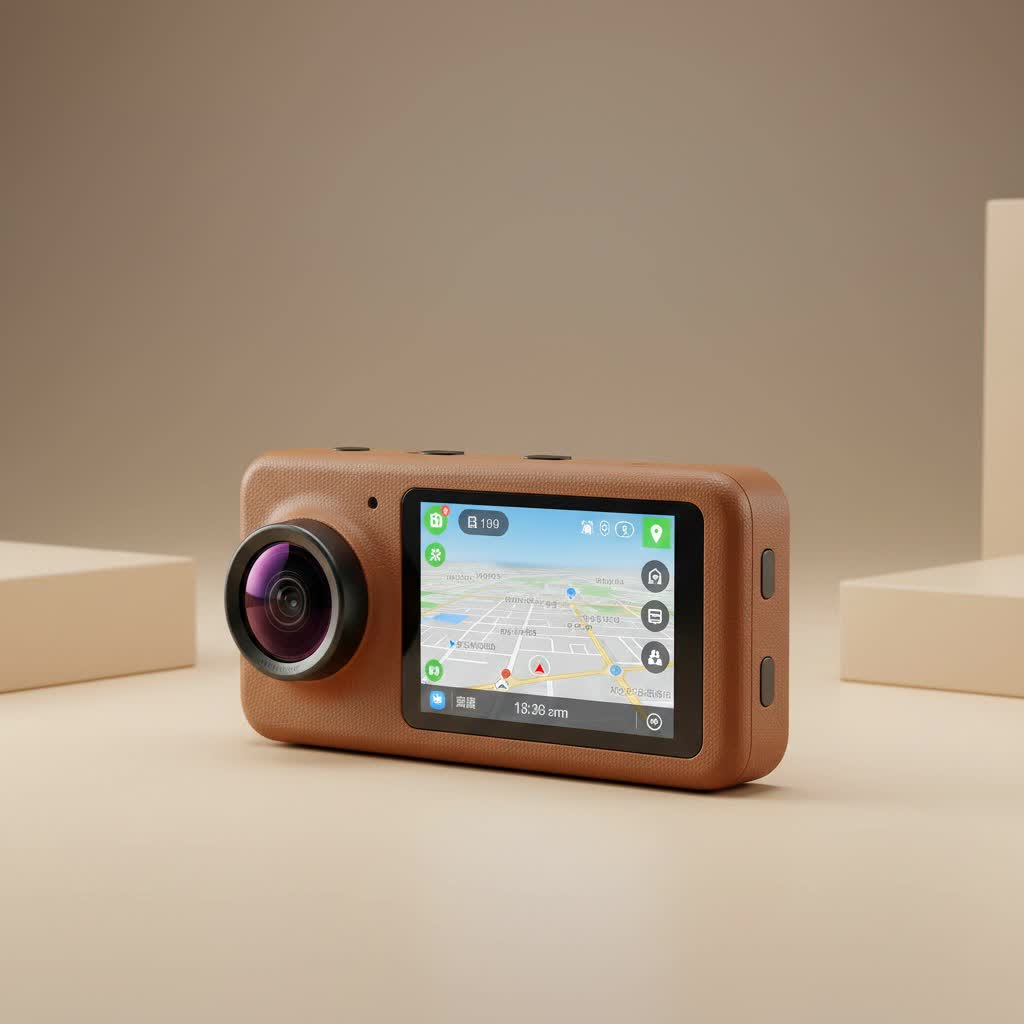
With over 15 years of hands-on experience installing and reviewing camera systems in luxury vehicles, I’ve seen the technology evolve dramatically. This guide will walk you through everything you need to know, helping you make an informed decision that perfectly suits your needs and protects your Mercedes-Benz.
Why Your Mercedes-Benz Deserves a Dash Cam
Before diving into the options, let’s reaffirm why a dash cam is an essential upgrade for your vehicle. Beyond simply recording your drive, a modern dash cam provides a suite of protective features:
- Accident Documentation: In the unfortunate event of a collision, a dash cam provides indisputable video evidence, protecting you from false claims and streamlining the insurance process.
- Parking Security: Advanced dash cams monitor your vehicle while it’s parked, recording any bumps, dings, or acts of vandalism, helping you identify responsible parties.
- Deterrent Against Theft: The visible presence of a dash cam can deter potential thieves and vandals.
- Capturing the Unexpected: From beautiful scenic drives to unforeseen road events, a dash cam records it all.
The Official Mercedes-Benz Dash Cam: Is It Worth It?
Mercedes-Benz offers its own dash cam solution, which can be activated through the Mercedes me connect store on compatible models equipped with the MBUX infotainment system and Augmented Reality for Navigation. The primary appeal is its flawless integration. It uses the car’s built-in forward-facing camera, eliminating the need for external devices and messy wires.
Pros of the OEM Dash Cam
- Seamless Integration: The camera is completely hidden, and footage is accessed through your vehicle’s main display. There are no suction cups or wires cluttering your windshield.
- Factory Warranty: As an official accessory, it is covered by the manufacturer’s warranty, ensuring reliability and support.
- Simple Operation: Recordings are saved directly to a USB drive you plug into the center console, making it easy to transfer files.
|
Our Picks for the Best Dash Cam in 2026
As an Amazon Associate I earn from qualifying purchases.
|
||
| Num | Product | Action |
|---|---|---|
| 1 | Dash Cam 1296P Front Dashcam, V300 WiFi Dash Camera for Cars with App, Night Vision, Mini Hidden Single Car Camera, Loop Recording, 24H Parking Mode, Support 256GB Max, Black |

|
| 2 | REDTIGER 4K STARVIS 2 Dash Cam Front and Rear, 5GHz WiFi 20MB/s Download, 128GB Card Included, Voice Control, Dash Camera for Cars with 3.18\" Touch Screen, GPS, Loop Recording, Parking Mode(F7N Touch) |
|
| 3 | Dash Cam Front and Rear, 1080P Dash Camera for Cars, 3 Channel Car Camera Front Rear and Inside with 32GB Card, Loop Recording, Night Vision, HDR, 24Hr Parking, G-Sensor |
|
| 4 | Navycrest 4K Dash Cam Front and Rear with 64GB Card, Built-in 5G WiFi, Dash Camera for Cars 4K Front and 1080P Rear, Dashcams for Cars Loop Recording, Gravity Sensor, 24-Hours Parking Mode |
|
| 5 | Dash Cam Front and Rear, 2.5K+1080P Dual Dash Camera for Cars, 2’’ Display Mini Car Camera, G-Sensor Dashcam, Night Vision, 24H Parking Mode, Loop Recording, 170°Wide Angle, 32GB Card Included |
|
| 6 | IIWEY N5 4 Channel Dash Cam 360° View, 1080P Front and Rear Inside, Left Right Dash Camera for Cars, 8 IR Lamps Night Vision, 5G WiFi & APP Control, G-Sensor, Parking Mode, with a Free 128GB SD Card |
|
| 7 | ROVE R2-4K DUAL Dash Cam Front and Rear, STARVIS 2 Sensor, FREE 128GB Card Included, 5G WiFi - up to 20MB/s Fastest Download Speed with App, 4K 2160P/FHD Dash Camera for Cars, 3\" IPS, 24H Parking Mode |
|
| 8 | REDTIGER 4K Dash Cam Front Rear, STARVIS 2 Sensor, Free Card Included, 5.8GHz WiFi-20MB/s Fast Download, Dash Camera for Cars with GPS, WDR Night Vision, 170°Wide Angle, 24H Parking Mode(F7NP) |
|
| 9 | 4K Dash Cam Front, Built-in 5G WiFi, 64GB Card Included, Dash Camera for Cars, Mini Dashcam with Super Night Vision, Loop Recording, G-Sensor, 24 Hours Parking Monitor, Support 256GB Max |
|
| 10 | VIOFO A229 Plus Dash Cam Front and Rear, Dual STARVIS 2 Sensors, 2 Channel HDR, 1440P+1440P Voice Control Car Dash Camera, 5GHz Wi-Fi, Voice Control, Ultra-Precise GPS (SD Card Not Included) |
|
Cons of the OEM Dash Cam
The biggest drawbacks of the factory system are not in its video quality, but in its core functionality. In my professional opinion, these limitations are significant.
- No Automatic Recording: This is the most critical flaw. On many models, you must manually start the recording every single time you start the car. Forgetting to do so renders it useless for that journey.
- No Parking Mode: The official dash cam does not record when the ignition is off. This means it offers zero protection against impacts or vandalism in a parking lot, which is one of the most common scenarios where you need a camera.
As automotive technology expert David Chen notes, “While the integrated look of the Mercedes-Benz factory dash cam is appealing, its lack of automatic recording and parking surveillance makes it more of a journey recorder than a true security device. For comprehensive protection, a dedicated aftermarket system is almost always the superior choice.”
Top Aftermarket Dash Cams for Your Mercedes
For the driver who wants complete, set-it-and-forget-it protection, the aftermarket is the way to go. Modern dash cams from reputable brands are designed to be discreet and offer features far beyond the OEM option. When choosing one for a premium vehicle like a Mercedes, I recommend focusing on brands known for reliability and advanced parking mode technology, such as BlackVue and Thinkware.
For the Tech Enthusiast: 4K Cloud-Connected Cams
High-end models offer stunning 4K resolution, which is critical for capturing license plates and other details from a distance. They also come with cloud connectivity, allowing you to receive impact notifications on your phone and view live footage remotely when your car is parked.
For the Discreet User: Sleek, Integrated Designs
Many aftermarket brands now offer models that are designed to mount cleanly behind the rearview mirror, often mimicking the look of a factory-installed sensor. Brands like Fitcamx specialize in creating custom-fit housings that draw power from an overhead console, making the installation look nearly OEM without compromising on features.
Key Features to Look For in a Mercedes-Benz Dash Cam
When shopping for an aftermarket solution, don’t get lost in the marketing. These are the features that truly matter for protecting your vehicle.
Intelligent Parking Mode
This is non-negotiable. A proper parking mode uses a combination of motion and impact sensors (G-sensors) to monitor your vehicle when it’s off. Look for systems with buffered recording, which saves the few seconds before an impact is detected. For a Mercedes-Benz, which has a sensitive battery management system, a hardwiring kit with a voltage cutoff feature is essential to prevent battery drain.
Video Quality (Resolution and Dynamic Range)
- Resolution: 1080p Full HD is the minimum, but 2K (1440p) or 4K (2160p) is highly recommended for capturing finer details.
- Dynamic Range: Look for features like WDR (Wide Dynamic Range) or HDR (High Dynamic Range), which help balance light and dark areas to ensure clear video in challenging lighting conditions, such as driving at night or exiting a dark garage into bright sunlight.
Dual-Channel (Front and Rear)
A front-only camera leaves you blind to what happens behind you. A dual-channel system that includes a rear-mounted camera is crucial for complete coverage, especially in cases of rear-end collisions.
How to Install a Dash Cam in a Mercedes-Benz
While professional installation is always recommended for a luxury vehicle, particularly for hardwiring, here is a general overview of the process.
- Choose the Location: The ideal spot is high up on the windshield, usually behind or next to the rearview mirror, where it doesn’t obstruct the driver’s view.
- Route the Power Cable: The cable should be tucked neatly into the headliner, run down the A-pillar (the trim alongside the windshield), and then routed to the power source.
- Select a Power Source:
- 12V Outlet (Easiest): Simply plugging into the cigarette lighter is easy but leaves wires visible and means the camera will likely only work when the car is on.
- Hardwiring (Best): This method involves tapping into the vehicle’s fuse box. It provides a completely clean installation and is necessary for enabling parking mode. It requires identifying the correct fuses (one constant power, one ignition-switched power) and using a hardwiring kit with a voltage cutoff protector.
Frequently Asked Questions (FAQ)
Will installing an aftermarket dash cam void my Mercedes-Benz warranty?
No, installing a dash cam will not void your vehicle’s warranty. However, if the installation is done incorrectly and causes electrical damage, the repair for that specific damage may not be covered. This is why professional installation is highly recommended.
How much does professional installation cost?
Costs can vary depending on the complexity of the vehicle and the dash cam model (single vs. dual-channel). Expect to pay anywhere from $100 to $300 for a clean, professional hardwiring installation.
Can I view the footage on my car’s MBUX screen?
With the official Mercedes-Benz dash cam, yes. With aftermarket dash cams, no. Instead, they typically use a dedicated smartphone app that connects to the camera via Wi-Fi, allowing you to view, download, and configure settings directly on your phone.
Do I need a front and rear dash cam?
Absolutely. While a front camera is better than nothing, a rear camera is essential for capturing events that happen behind you, which account for a significant percentage of all accidents. For a vehicle of this caliber, comprehensive coverage is the goal.
The Final Verdict
Protecting your Mercedes-Benz with a dash cam is one of the smartest upgrades you can make. While the official integrated camera offers a clean, factory look, its functional limitations—specifically the lack of automatic recording and a true parking mode—make it difficult to recommend as a primary security device.
For complete peace of mind, a high-quality, professionally installed aftermarket dual-channel dash cam is the superior choice. It will provide automatic, reliable recording, and most importantly, it will stand guard over your vehicle when it’s most vulnerable—while parked. Invest in the right system, and drive with the confidence that your Mercedes-Benz is always protected.
