The quest for a clean, wire-free car interior has led many drivers to search for a wireless dash cam for car. The idea is appealing: a simple, elegant device that records the road ahead without a tangle of cables cluttering your dashboard and windscreen. But what does “wireless” truly mean in the world of dash cams? As a 15-year veteran in automotive technology, I’m here to demystify the term, guide you through the essential features, and help you find the perfect device to protect you on the road. This guide will cover everything you need to know, from installation to choosing the right model for your needs.
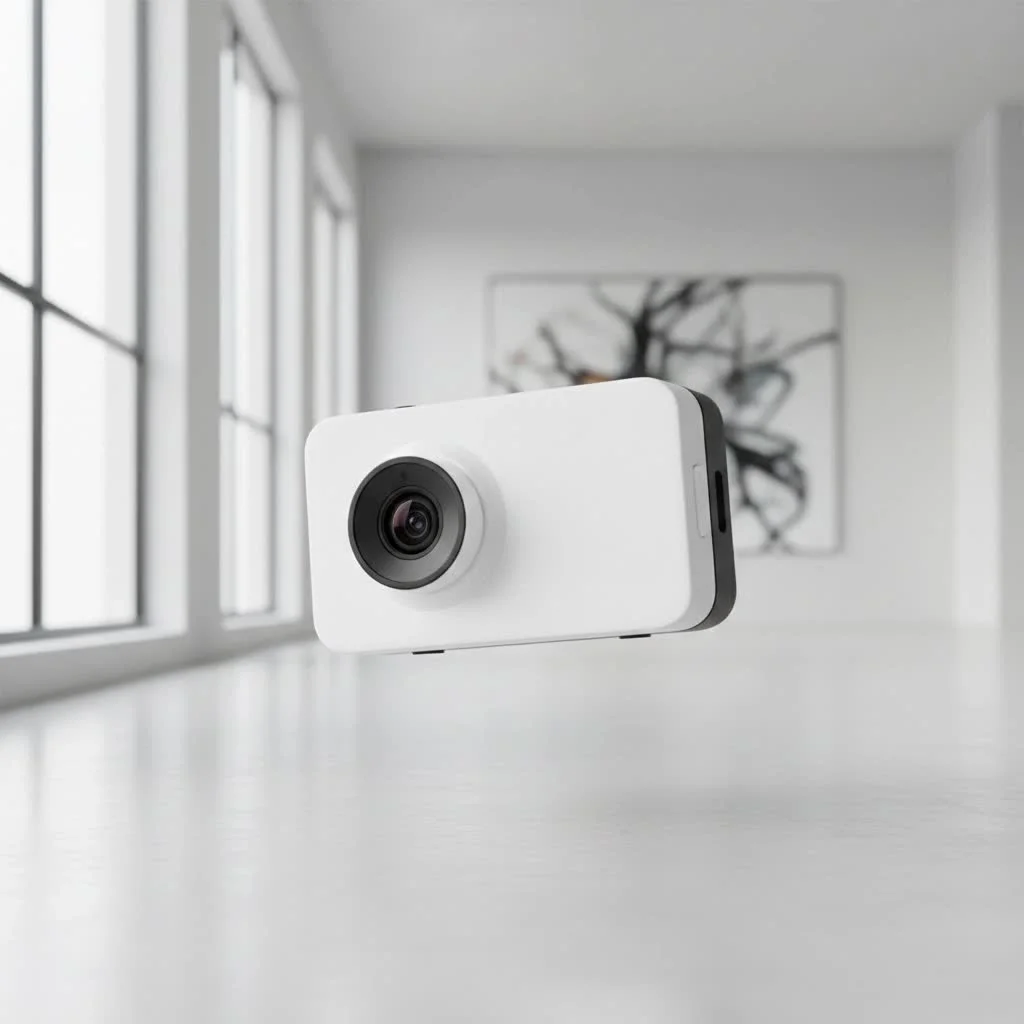
The “Wireless” in Dash Cams: What It Really Means
One of the biggest misconceptions surrounds the term “wireless.” When manufacturers advertise a wireless dash cam for car, they are almost always referring to wireless data transfer, not wireless power. Understanding this distinction is the first and most crucial step in your buying journey.
Wireless Data Transfer: The Convenience of Wi-Fi
The primary “wireless” feature is the built-in Wi-Fi hotspot. This allows the dash cam to connect directly to your smartphone via a dedicated app. This connection is a game-changer for usability and convenience.
- Easy Video Access: Instead of removing a tiny microSD card and plugging it into a computer, you can view, download, and share your footage directly on your phone.
- Live View: You can see a live feed from the camera, which is incredibly helpful for positioning the lens perfectly during initial setup.
- Settings Adjustment: All the camera’s settings—from video resolution to G-sensor sensitivity—can be configured easily within the app, bypassing clunky on-device buttons and small screens.
The Power Cable Myth: Why You Still Need Wires
Here’s the reality check: every dash cam needs a consistent power source to function. The electrical demands of continuous recording, especially in high resolution, are too great for a small, long-lasting internal battery. Therefore, you will always have at least one power cable.
You typically have two options for powering your device:
- 12V Power Outlet (Cigarette Lighter): This is the simplest method. Just plug the included adapter into your car’s 12V socket. It’s a plug-and-play solution but leaves a visible cable and occupies the outlet.
- Hardwiring Kit: This involves connecting the dash cam directly to your car’s fuse box. While it requires more effort to install, it provides a seamless, “invisible” setup and unlocks crucial features like parking mode, which allows the camera to record incidents even when the car is turned off.
“Many customers are initially surprised that a wireless dash cam still needs a power cord,” notes automotive electronics expert David Chen. “But once they experience the freedom of managing all their video files from their phone, they understand that the real wireless innovation is in the data, not the power.”
How to Choose the Best Wireless Dash Cam for Your Car
With the power myth busted, let’s focus on the features that truly matter when selecting a wireless dash cam for car.
Video Quality: Is 4K Always Better?
|
Our Picks for the Best Dash Cam in 2026
As an Amazon Associate I earn from qualifying purchases.
|
||
| Num | Product | Action |
|---|---|---|
| 1 | IIWEY N5 4 Channel Dash Cam 360° View, 1080P Front and Rear Inside, Left Right Dash Camera for Cars, 8 IR Lamps Night Vision, 5G WiFi & APP Control, G-Sensor, Parking Mode, with a Free 128GB SD Card |

|
| 2 | Navycrest 4K Dash Cam Front and Rear with 64GB Card, Built-in 5G WiFi, Dash Camera for Cars 4K Front and 1080P Rear, Dashcams for Cars Loop Recording, Gravity Sensor, 24-Hours Parking Mode |
|
| 3 | VIOFO A229 Plus Dash Cam Front and Rear, Dual STARVIS 2 Sensors, 2 Channel HDR, 1440P+1440P Voice Control Car Dash Camera, 5GHz Wi-Fi, Voice Control, Ultra-Precise GPS (SD Card Not Included) |
|
| 4 | Dash Cam 1296P Front Dashcam, V300 WiFi Dash Camera for Cars with App, Night Vision, Mini Hidden Single Car Camera, Loop Recording, 24H Parking Mode, Support 256GB Max, Black |
|
| 5 | Dash Cam Front and Rear, 2.5K+1080P Dual Dash Camera for Cars, 2’’ Display Mini Car Camera, G-Sensor Dashcam, Night Vision, 24H Parking Mode, Loop Recording, 170°Wide Angle, 32GB Card Included |
|
| 6 | Dash Cam Front and Rear, 1080P Dash Camera for Cars, 3 Channel Car Camera Front Rear and Inside with 32GB Card, Loop Recording, Night Vision, HDR, 24Hr Parking, G-Sensor |
|
| 7 | 4K Dash Cam Front, Built-in 5G WiFi, 64GB Card Included, Dash Camera for Cars, Mini Dashcam with Super Night Vision, Loop Recording, G-Sensor, 24 Hours Parking Monitor, Support 256GB Max |
|
| 8 | REDTIGER 4K Dash Cam Front Rear, STARVIS 2 Sensor, Free Card Included, 5.8GHz WiFi-20MB/s Fast Download, Dash Camera for Cars with GPS, WDR Night Vision, 170°Wide Angle, 24H Parking Mode(F7NP) |
|
| 9 | ROVE R2-4K DUAL Dash Cam Front and Rear, STARVIS 2 Sensor, FREE 128GB Card Included, 5G WiFi - up to 20MB/s Fastest Download Speed with App, 4K 2160P/FHD Dash Camera for Cars, 3\" IPS, 24H Parking Mode |
|
| 10 | REDTIGER 4K STARVIS 2 Dash Cam Front and Rear, 5GHz WiFi 20MB/s Download, 128GB Card Included, Voice Control, Dash Camera for Cars with 3.18\" Touch Screen, GPS, Loop Recording, Parking Mode(F7N Touch) |
|
The resolution of your dash cam determines the clarity of the footage. Higher resolution makes it easier to read license plates and see fine details.
- 1080p (Full HD): This is the minimum standard you should consider. It offers good clarity for most situations and creates smaller file sizes.
- 2K (1440p): This is the sweet spot for many users, providing a significant jump in detail from 1080p without the massive file sizes and heat generation of 4K.
- 4K (2160p): Offers the sharpest image, which can be critical for capturing license plates at a distance or in difficult lighting. However, it requires a high-endurance microSD card and can cause the device to run hotter.
Essential Features You Can’t Ignore
Beyond resolution, several key features separate a basic camera from a reliable safety tool.
- G-Sensor: This sensor detects sudden impacts, such as a collision or harsh braking. When triggered, it automatically locks the current video file, preventing it from being overwritten by the loop recording feature.
- Loop Recording: To avoid running out of storage, dash cams record in a continuous loop. When the memory card is full, the camera automatically overwrites the oldest unlocked files.
- GPS: An integrated GPS module geotags your video files with location and speed data. This can be invaluable for providing context to an incident during an insurance claim or legal dispute.
- Parking Mode: A hardwired dash cam with parking mode watches over your vehicle when it’s parked. It uses motion or impact detection to wake up and record any suspicious activity, providing 24/7 protection.
Step-by-Step: Installing a Wireless Dash Cam
Installing a wireless dash cam for car is a straightforward process that most people can do themselves in under 30 minutes. The goal is to mount the camera securely and hide the power cable for a clean, professional look.
- Find the Perfect Spot: Choose a location on your windshield that provides a clear view of the road without obstructing your vision. The best place is usually behind the rearview mirror.
- Clean the Area: Thoroughly clean the glass with an alcohol wipe to ensure the adhesive mount sticks securely.
- Mount the Camera: Peel the backing off the adhesive pad and press the mount firmly against the glass. Hold it for at least 30 seconds. Attach the dash cam to the mount.
- Route the Power Cable: This is the key to a clean installation. Start by tucking the cable into the headliner above the windshield.
- Run Down the A-Pillar: Gently pry open the weather stripping along the A-pillar (the post between the windshield and the driver’s side window) and tuck the cable inside.
- Go Under the Dashboard: Continue routing the cable down behind the glove box or under the steering column, using the provided trim tool to help.
- Connect to Power: Plug the cable into the 12V adapter or your hardwire kit connection. Use zip ties to secure any excess cable under the dash so it doesn’t interfere with your pedals.
- Connect to the App: Power on your car and the dash cam. Follow the manufacturer’s instructions to connect your smartphone to the camera’s Wi-Fi network and configure your settings.
Frequently Asked Questions (FAQ)
Are wireless dash cams completely wire-free?
No, this is a common misconception. “Wireless” refers to the ability to transfer video files to your phone via Wi-Fi. All dash cams require a physical power cable connected to either the car’s 12V outlet or the fuse box.
How do I get footage from my wireless dash cam?
You can access footage by connecting your smartphone to the dash cam’s Wi-Fi network and using the manufacturer’s dedicated app. From the app, you can view, download, and share video clips without ever removing the microSD card.
Do wireless dash cams drain the car battery?
If plugged into a 12V outlet that turns off with the ignition, it will not drain the battery. If you hardwire it for parking mode, it will draw a small amount of power. However, modern hardwiring kits have a built-in voltage cutoff feature that automatically shuts the camera off if the car’s battery level drops too low, preventing it from being drained.
Is a wireless dash cam worth it?
Absolutely. The convenience of managing videos and settings from your phone is a significant advantage. It makes reviewing footage after an incident quick and stress-free, which is precisely when you need it most. The clean installation and advanced features like parking mode make a wireless dash cam for car a worthwhile investment for any driver.
Your Silent Witness on the Road
Choosing the right wireless dash cam for car is about more than just technology; it’s about peace of mind. It acts as an unbiased, silent witness, ready to protect you from false claims, document unexpected events, and provide a clear record when you need it most. By understanding what “wireless” truly means and focusing on essential features like video quality, a G-sensor, and a reliable power source, you can confidently select a device that enhances your safety and security on every journey. Drive smart, drive safe, and let technology be your co-pilot.
Get our weekly buyer guide
Practical specs, not advice. Unsubscribe anytime.
I’ve been wanting a dash cam for ages but hated the thought of wires everywhere. This guide really cleared up the ‘wireless’ confusion for me. I ended up getting a model with wireless data transfer, and it’s so much easier to pull footage off my phone without messing with SD cards. Definitely worth it for the peace of mind.
I appreciate the detailed info on installation. I followed the tips for hiding the power cable, and my car interior looks much cleaner now. My only gripe is that the battery life on the ‘wireless’ model I chose isn’t as long as I’d hoped, even with the parking mode feature. It’s fine for short stops, but anything longer and I need to make sure it’s hardwired.
Super helpful breakdown on what to look for. I was totally one of those people who thought ‘wireless’ meant no power cable at all, so thanks for setting me straight! My new dash cam is great, though I do wish the app for wireless data transfer was a little more intuitive. Still, it’s a huge upgrade from my old setup.
This guide was exactly what I needed to make an informed decision. The explanation about wireless data transfer versus wireless power was crucial. I picked up a dual-channel dash cam that connects to my phone, and it’s been fantastic for reviewing incidents quickly. No more fumbling with tiny screens or removing memory cards.