When you hear the name Minolta, you might think of the classic, reliable film cameras that your parents or grandparents used. For decades, Minolta was a titan in the world of photography, known for quality optics and innovation. In today’s fast-paced world, they’ve adapted their imaging expertise to a different kind of camera: the dash cam. But can a brand with a legacy in photography compete in the modern dash cam market? As an expert with over 15 years in the automotive electronics space, I’m here to give you the real story on the Minolta dash cam lineup.
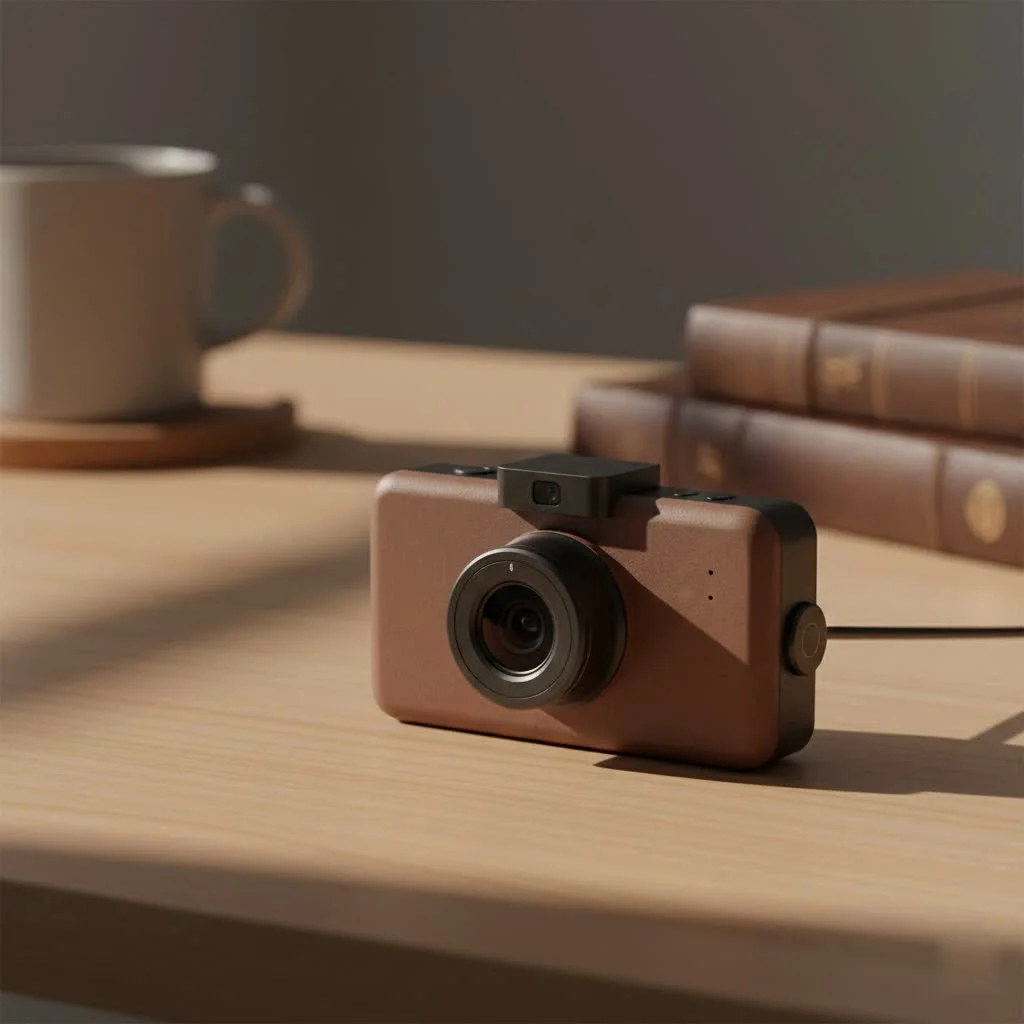
We’ll dive into their features, performance, and ultimately, who these cameras are truly for. Whether you’re a daily commuter, a rideshare driver, or just want peace of mind on the road, this guide will help you decide if a Minolta dash cam is the right copilot for your journey.
What Defines a Minolta Dash Cam?
Minolta dash cams aim to blend the brand’s heritage of image quality with the essential features modern drivers demand. They generally target the budget-friendly to mid-range segment of the market, making them accessible to a wide audience. You’ll often find them in major retail stores, positioned as a straightforward solution for vehicle security.
While they may not always compete with the high-end, feature-packed models from brands like BlackVue or Vantrue, they deliver a core set of functionalities designed to get the job done without a steep learning curve.
Key Features You Can Expect
Across the various models, several key features consistently appear, forming the foundation of the Minolta dash cam experience.
- HD and QHD Resolution: Most models offer at least 1080p Full HD recording, which is the baseline for capturing clear details like license plates. Some newer models step this up to 2.5K Quad HD (QHD), providing an even sharper and more detailed picture of the road ahead.
- G-Sensor for Incident Detection: This is a crucial feature in any modern dash cam. A built-in G-sensor detects sudden impacts, like a collision or harsh braking. When triggered, it automatically locks the current video file, preventing it from being overwritten by the loop recording. This ensures your critical evidence is always saved.
- Loop Recording: You don’t have to worry about running out of storage space. Loop recording continuously records video in short segments (typically 1, 3, or 5 minutes). When the memory card is full, it automatically deletes the oldest unlocked file to make room for the new one, ensuring the camera is always recording.
- Wide-Angle Lens: Minolta dash cams typically feature a wide-angle lens, often between 120° and 160°. This provides a broad field of view, capturing multiple lanes of traffic and the surrounding environment, which is vital for understanding the full context of any incident.
- Parking Monitor: This feature provides surveillance while your car is parked. If the G-sensor detects a bump or impact, the camera will automatically turn on and record a short clip, potentially capturing a parking lot hit-and-run.
“A reliable dash cam isn’t a luxury anymore; it’s a necessity for responsible driving,” states David Chen, an automotive electronics specialist. “The key is finding a unit that reliably captures the essentials—clear video and automatic incident recording. That’s the core purpose, and everything else is a bonus.”
Performance: Where Does Minolta Stand?
Based on real-world use and customer feedback, Minolta dash cams are often seen as a decent entry-level option, but they come with certain trade-offs.
The Good
|
Our Picks for the Best Dash Cam in 2026
As an Amazon Associate I earn from qualifying purchases.
|
||
| Num | Product | Action |
|---|---|---|
| 1 | Dash Cam 1296P Front Dashcam, V300 WiFi Dash Camera for Cars with App, Night Vision, Mini Hidden Single Car Camera, Loop Recording, 24H Parking Mode, Support 256GB Max, Black |

|
| 2 | 4K Dash Cam Front, Built-in 5G WiFi, 64GB Card Included, Dash Camera for Cars, Mini Dashcam with Super Night Vision, Loop Recording, G-Sensor, 24 Hours Parking Monitor, Support 256GB Max |
|
| 3 | Navycrest 4K Dash Cam Front and Rear with 64GB Card, Built-in 5G WiFi, Dash Camera for Cars 4K Front and 1080P Rear, Dashcams for Cars Loop Recording, Gravity Sensor, 24-Hours Parking Mode |
|
| 4 | ROVE R2-4K DUAL Dash Cam Front and Rear, STARVIS 2 Sensor, FREE 128GB Card Included, 5G WiFi - up to 20MB/s Fastest Download Speed with App, 4K 2160P/FHD Dash Camera for Cars, 3\" IPS, 24H Parking Mode |
|
| 5 | REDTIGER 4K STARVIS 2 Dash Cam Front and Rear, 5GHz WiFi 20MB/s Download, 128GB Card Included, Voice Control, Dash Camera for Cars with 3.18\" Touch Screen, GPS, Loop Recording, Parking Mode(F7N Touch) |
|
| 6 | VIOFO A229 Plus Dash Cam Front and Rear, Dual STARVIS 2 Sensors, 2 Channel HDR, 1440P+1440P Voice Control Car Dash Camera, 5GHz Wi-Fi, Voice Control, Ultra-Precise GPS (SD Card Not Included) |
|
| 7 | REDTIGER 4K Dash Cam Front Rear, STARVIS 2 Sensor, Free Card Included, 5.8GHz WiFi-20MB/s Fast Download, Dash Camera for Cars with GPS, WDR Night Vision, 170°Wide Angle, 24H Parking Mode(F7NP) |
|
| 8 | IIWEY N5 4 Channel Dash Cam 360° View, 1080P Front and Rear Inside, Left Right Dash Camera for Cars, 8 IR Lamps Night Vision, 5G WiFi & APP Control, G-Sensor, Parking Mode, with a Free 128GB SD Card |
|
| 9 | Dash Cam Front and Rear, 1080P Dash Camera for Cars, 3 Channel Car Camera Front Rear and Inside with 32GB Card, Loop Recording, Night Vision, HDR, 24Hr Parking, G-Sensor |
|
| 10 | Dash Cam Front and Rear, 2.5K+1080P Dual Dash Camera for Cars, 2’’ Display Mini Car Camera, G-Sensor Dashcam, Night Vision, 24H Parking Mode, Loop Recording, 170°Wide Angle, 32GB Card Included |
|
For the price point, the video quality is generally acceptable for daytime driving. In good lighting, 1080p and 2.5K models can capture the necessary details for insurance claims or reporting incidents. Users often praise their simple setup and user-friendly interface. Many models are essentially “plug-and-play,” which is a major plus for drivers who aren’t tech-savvy. The inclusion of a memory card in some packages is another convenient touch.
The Areas for Improvement
Where Minolta models sometimes fall short is in more challenging conditions.
- Night Vision: While they have night vision capabilities, the clarity can be limited compared to more premium brands. License plates may be difficult to discern in low-light situations due to glare from headlights.
- Lens and Sensor Quality: Some reviews point out that the video can lack sharpness, and the field of view might be narrower than advertised on certain models. This can result in less detail and a smaller captured area.
- Build Quality and Reliability: There are user reports of issues with mounts not staying attached to the windshield, units randomly shutting off, or problems with battery life. While not universal, these concerns suggest that quality control can be inconsistent.
How to Install Your Minolta Dash Cam
One of the strong suits of a Minolta dash cam is its straightforward installation process. You can typically get it up and running in under 15 minutes.
- Choose the Right Spot: Find a location on your windshield that gives the camera a clear view of the road without obstructing your vision. The best place is usually behind the rearview mirror.
- Clean the Area: Thoroughly clean the glass with an alcohol wipe or glass cleaner to ensure the mount sticks securely.
- Attach the Mount: Firmly press the suction cup or adhesive mount onto the cleaned area. If it’s an adhesive mount, let it set for a few hours if possible.
- Connect the Camera: Slide the dash cam onto the mount.
- Route the Power Cable: Plug the included car adapter into your vehicle’s 12V socket. Carefully tuck the power cable along the headliner, down the A-pillar (the pillar next to the windshield), under the glove box, and to the power socket. This keeps the wire neat and out of your way.
- Insert the SD Card: Before powering on, insert a compatible microSD card (most models support up to 32GB).
- Power On and Adjust: Start your car. The dash cam should power on automatically. Look at the 3.0″ LCD screen to adjust the camera angle so it’s level with the horizon and captures the road ahead perfectly.
Who is the Ideal Minolta Dash Cam User?
A Minolta dash cam is best suited for a specific type of driver. You should consider one if you are:
- A First-Time Dash Cam Buyer: If you’re new to dash cams and want a simple, no-frills device to start with, Minolta is a great entry point.
- On a Tight Budget: These cameras provide core safety features at a very competitive price, making them an accessible option for almost anyone.
- Looking for a Simple Solution: For those who want to “set it and forget it,” the ease of installation and automatic functions make Minolta an attractive choice.
However, if you are a rideshare driver who needs high-quality interior recording, a professional driver who requires top-tier night vision and reliability, or a tech enthusiast who wants advanced features like cloud connectivity and 4K resolution, you may want to invest in a more specialized, high-end brand.
Frequently Asked Questions (FAQ)
Q: Do Minolta dash cams record audio?
A: Yes, most models have a built-in microphone to record audio inside the vehicle. This feature can typically be turned off in the settings menu if you prefer.
Q: How do I view the recorded videos?
A: You can review footage directly on the camera’s built-in LCD screen. For a better view, you can also remove the microSD card and insert it into a computer using a card reader to watch and save the video files.
Q: What is a dual or 2-channel Minolta dash cam?
A: A 2-channel or dual model, like the MNCD337N, includes a second camera. This is usually an interior-facing camera that records the inside of your car’s cabin, which is particularly useful for Uber, Lyft, or taxi drivers.
Q: Does the parking monitor drain the car battery?
A: The parking monitor feature requires constant power. If plugged directly into a 12V socket that turns off with the car, it won’t work. For it to function correctly, you would need to use a hardwire kit (usually sold separately) connected to your car’s fuse box. Without a voltage cutoff protector in the kit, it could potentially drain your battery over an extended period.
Q: Is the video quality good enough to read license plates?
A: In good daytime lighting, yes, the 1080p and 2.5K models can generally capture readable license plates of cars directly in front of you. However, at night, at high speeds, or at sharp angles, it can become much more difficult.
The Final Verdict
The Minolta dash cam occupies an important space in the market. It brings the peace of mind that a dash cam provides to the masses with its affordability and simplicity. While it may not have the best video quality or the most robust build, it delivers on the fundamental promise of recording the road ahead.
Think of it as a reliable safety net. For the daily commute and unexpected incidents, it provides a valuable record. If you are a casual driver looking for your first dash cam without breaking the bank, a Minolta dash cam is a solid and sensible choice. It carries a legacy name into a new era, offering practical security for the modern driver.
Get our weekly buyer guide
Practical specs, not advice. Unsubscribe anytime.
I picked up a Minolta dash cam after reading about their photography legacy. While the image quality is decent, I found the menu system a bit clunky to navigate. It took me a while to figure out how to access some of the settings. It does the job for basic recording, but I wish the user interface was more intuitive.
I was skeptical about a brand known for film cameras entering the dash cam market, but Minolta really delivered. The build quality feels robust, and it’s been performing flawlessly. I specifically needed something reliable for long road trips, and this camera hasn’t disappointed. It’s great to see their imaging expertise applied so well.
I’ve been using the Minolta dash cam for about a month now, and it’s been pretty solid. The video quality is really clear, especially during the day. I appreciate the peace of mind it gives me on my daily commute. Installation was straightforward, which was a big plus for me since I’m not super tech-savvy.
As a rideshare driver, a reliable dash cam is essential. The Minolta has been fantastic for capturing everything on the road. The wide-angle lens covers a lot, and the night vision is surprisingly good, even in low light. It’s definitely a great copilot for my journey, just as the post mentioned.