When you think about vehicle safety, you probably picture airbags, anti-lock brakes, and the dash cam mounted on your windshield. But what about what’s happening behind you? The truth is, a significant portion of accidents are rear-end collisions, and without a visual record, proving fault can be a frustrating “he said, she said” situation. This is where a Rear View Dash Cam transforms from a gadget into an essential piece of automotive equipment, providing a silent, unbiased witness to everything unfolding in your wake.
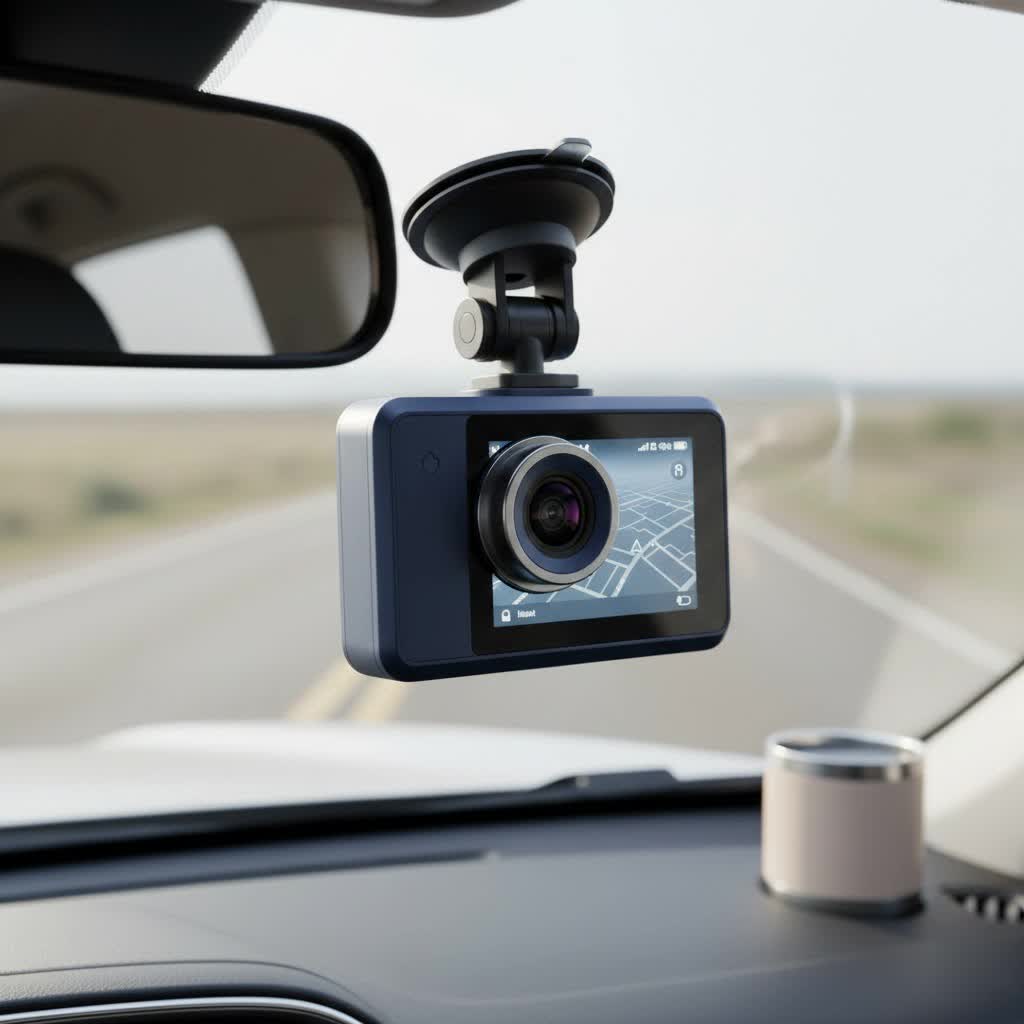
As a specialist with over 15 years of hands-on experience with vehicle electronics and camera technology, I’ve seen firsthand how crucial comprehensive footage can be. A front-facing camera only tells half the story. Investing in a high-quality rear view dash cam system completes the narrative, offering you complete peace of mind, whether you’re navigating dense city traffic, cruising on the highway, or leaving your car in a public parking lot.
What is a Rear View Dash Cam System?
A rear view dash cam is a camera that records video footage of the area directly behind your vehicle. It’s designed to work in conjunction with your primary front-facing dash cam. This is typically achieved in one of two ways:
- Dual-Channel Dash Cam: This is the most common and integrated solution. It consists of a main front camera unit and a smaller, secondary rear camera connected by a long cable. Both cameras record simultaneously to the same memory card, creating synchronized video files that are easy to manage.
- Standalone Rear Cam: While less common, some users might opt for a separate, independent dash cam to mount on their rear window. This requires its own power source and memory card, making video management slightly more complex.
It’s important to distinguish a rear view dash cam from a backup or reversing camera. A backup camera’s primary function is to display a live feed to your dashboard screen to help you park safely. A dash cam, however, continuously records footage for security and evidence purposes.
Expert Insight from Welmb.com
“Many drivers overlook the importance of rear-facing footage until it’s too late. In my experience, the footage from a rear view dash cam is often the most critical piece of evidence in resolving disputes from rear-end shunts, parking lot incidents, and acts of road rage initiated from behind.” – John Carter, Senior Installation Specialist.
Why You Absolutely Need a Rear-Facing Camera
The benefits of having a 360-degree view of your vehicle’s surroundings are immense. A rear camera isn’t just for capturing accidents; it’s a proactive safety and security tool.
Indisputable Evidence in Rear-End Collisions
|
Our Picks for the Best Dash Cam in 2026
As an Amazon Associate I earn from qualifying purchases.
|
||
| Num | Product | Action |
|---|---|---|
| 1 | Dash Cam Front and Rear, 2.5K+1080P Dual Dash Camera for Cars, 2’’ Display Mini Car Camera, G-Sensor Dashcam, Night Vision, 24H Parking Mode, Loop Recording, 170°Wide Angle, 32GB Card Included |

|
| 2 | Navycrest 4K Dash Cam Front and Rear with 64GB Card, Built-in 5G WiFi, Dash Camera for Cars 4K Front and 1080P Rear, Dashcams for Cars Loop Recording, Gravity Sensor, 24-Hours Parking Mode |
|
| 3 | IIWEY N5 4 Channel Dash Cam 360° View, 1080P Front and Rear Inside, Left Right Dash Camera for Cars, 8 IR Lamps Night Vision, 5G WiFi & APP Control, G-Sensor, Parking Mode, with a Free 128GB SD Card |
|
| 4 | VIOFO A229 Plus Dash Cam Front and Rear, Dual STARVIS 2 Sensors, 2 Channel HDR, 1440P+1440P Voice Control Car Dash Camera, 5GHz Wi-Fi, Voice Control, Ultra-Precise GPS (SD Card Not Included) |
|
| 5 | Dash Cam 1296P Front Dashcam, V300 WiFi Dash Camera for Cars with App, Night Vision, Mini Hidden Single Car Camera, Loop Recording, 24H Parking Mode, Support 256GB Max, Black |
|
| 6 | Dash Cam Front and Rear, 1080P Dash Camera for Cars, 3 Channel Car Camera Front Rear and Inside with 32GB Card, Loop Recording, Night Vision, HDR, 24Hr Parking, G-Sensor |
|
| 7 | REDTIGER 4K Dash Cam Front Rear, STARVIS 2 Sensor, Free Card Included, 5.8GHz WiFi-20MB/s Fast Download, Dash Camera for Cars with GPS, WDR Night Vision, 170°Wide Angle, 24H Parking Mode(F7NP) |
|
| 8 | ROVE R2-4K DUAL Dash Cam Front and Rear, STARVIS 2 Sensor, FREE 128GB Card Included, 5G WiFi - up to 20MB/s Fastest Download Speed with App, 4K 2160P/FHD Dash Camera for Cars, 3\" IPS, 24H Parking Mode |
|
| 9 | REDTIGER 4K STARVIS 2 Dash Cam Front and Rear, 5GHz WiFi 20MB/s Download, 128GB Card Included, Voice Control, Dash Camera for Cars with 3.18\" Touch Screen, GPS, Loop Recording, Parking Mode(F7N Touch) |
|
| 10 | 4K Dash Cam Front, Built-in 5G WiFi, 64GB Card Included, Dash Camera for Cars, Mini Dashcam with Super Night Vision, Loop Recording, G-Sensor, 24 Hours Parking Monitor, Support 256GB Max |
|
This is the number one reason to install a rear view dash cam. In most cases, the driver who hits a vehicle from behind is deemed at fault. However, exceptions exist, such as in cases of insurance fraud “crash-for-cash” schemes where a driver might brake suddenly for no reason. Rear footage provides clear, time-stamped evidence of the other driver’s behavior, tailgating, or distracted driving leading up to the impact.
Deterring Tailgaters and Road Rage
The mere presence of a visible camera lens on your rear window can be a powerful deterrent. Aggressive drivers who tailgate or engage in dangerous behavior are less likely to do so when they know they are being recorded. This can de-escalate potentially hazardous situations before they occur.
Capturing Parking Lot Incidents
Parking lots are a common location for bumps, scrapes, and hit-and-runs. A rear camera with “parking mode” enabled will use its G-sensor to detect an impact and automatically record the event, potentially capturing the license plate of the offending vehicle as it drives away.
Complete Incident Reconstruction
For insurance claims or legal proceedings, having footage from both the front and rear provides a complete, unambiguous picture of an event. It shows your actions as a driver, the actions of others, traffic flow, and road conditions from multiple angles, leaving no room for doubt.
How to Choose the Perfect Rear View Dash Cam
Selecting the right camera can feel overwhelming with all the technical jargon. Let’s break down the key features to look for to ensure you get a reliable and effective system.
1. Video Resolution and Quality
For a rear camera, a minimum resolution of Full HD (1080p) is essential. This level of detail is necessary to clearly capture important details like license plates, road signs, and the faces of individuals, even from a distance. A higher resolution provides more clarity when you need to zoom in on specific parts of the footage.
2. Low-Light Performance and Night Vision
Incidents don’t just happen in broad daylight. Your rear camera must be able to perform well in low-light conditions, at dusk, and at night. Look for models that use high-quality image sensors, like Sony’s STARVIS, which are specifically designed for superior night vision and can capture clear footage with minimal ambient light.
3. Wide Field of View (FOV)
The field of view determines how much of the scene the camera can capture. For a rear-facing camera, a wide FOV of 130 to 150 degrees is ideal. This allows it to record activity in the adjacent lanes, not just directly behind you, which is crucial for capturing side-swipes or vehicles merging dangerously.
4. Parking Mode
This is a non-negotiable feature for 24/7 vehicle protection. When the car is parked and the ignition is off, parking mode allows the dash cam to enter a standby state. It will automatically begin recording if its G-sensor detects an impact (like a bump or collision) or if its motion sensor detects movement near the vehicle. This requires a hardwiring kit for a continuous power supply from your car’s battery.
5. Form Factor and Mounting
Rear cameras come in various shapes and sizes.
- Interior Mount: Most common, these small cameras adhere to the inside of the rear windshield. They are discreet and protected from the elements.
- Exterior Mount: Some systems, especially for trucks or SUVs with flat rear windows, offer a waterproof exterior camera. These can provide a clearer view but are more complex to install and are exposed to weather and potential theft.
A Simple Guide to Installation
While professional installation is always an option, installing a dual-channel rear view dash cam is a manageable DIY project for many.
- Mount the Front Camera: Secure the main unit to the front windshield, typically behind the rearview mirror, ensuring it doesn’t obstruct your view.
- Route the Power Cable: Run the power cable from the front camera to your vehicle’s 12V outlet (cigarette lighter). For a cleaner look and to enable parking mode, you’ll use a hardwiring kit to connect directly to the fuse box.
- Connect the Rear Camera Cable: Plug the long rear camera connection cable into the main front unit.
- Route the Rear Cable: Carefully tuck the cable along the headliner of your car, moving from the front to the back. You can use a plastic trim tool to gently pry open the edges of the headliner and pillars to hide the wire.
- Mount the Rear Camera: Once you’ve reached the back, choose the best position on your rear windshield. Clean the glass, peel the adhesive backing, and press the camera firmly into place. Ensure its view is not blocked by defrost lines or a high-mount brake light.
- Final Connections: Plug the cable into the rear camera and manage any excess wire. Power on the system to confirm both cameras are working and the rear view is properly aligned.
Frequently Asked Questions (FAQ)
What is the main benefit of a rear dash cam over just a front one?
The main benefit is complete coverage. A rear view dash cam protects you from liability in rear-end collisions, captures hit-and-runs in parking lots, and records dangerous tailgaters, providing evidence that a front-only camera would completely miss.
Can a rear dash cam record when the car is turned off?
Yes, it can. This feature is called “parking mode.” To enable it, the dash cam must be connected to a constant power source in your vehicle’s fuse box using a hardwiring kit, which also prevents the camera from draining your car’s battery.
Will the rear camera obstruct my view when driving?
No. Rear dash cams are designed to be very small and discreet. When mounted correctly at the top of the rear windshield, they are virtually invisible to the driver and do not interfere with your line of sight through the rearview mirror.
How much video can a dual-channel system store?
This depends on the size of your microSD card and the recording resolution. A 128GB card in a dual 1080p system can typically store 10-12 hours of combined footage before loop recording begins to overwrite the oldest files.
Is it difficult to manage video files from two cameras?
Not at all. Modern dual-channel systems save front and rear footage in corresponding files, often labeled ‘F’ and ‘R’ with matching timestamps. When you review the footage on a computer or via a smartphone app, the files are organized, making it easy to find the exact moment you need.
Your Car’s Best Defense Mechanism
In today’s unpredictable driving environment, relying on memory or the honesty of other drivers is a risk you don’t have to take. A rear view dash cam is a small, one-time investment that provides an invaluable layer of security and accountability. It works tirelessly to protect you from false claims, document criminal activity, and give you the irrefutable proof you need when it matters most. Don’t leave your rear flank exposed—complete your vehicle’s security system and drive with the confidence that comes from knowing you have the full story covered.
